
Default and per-task routing
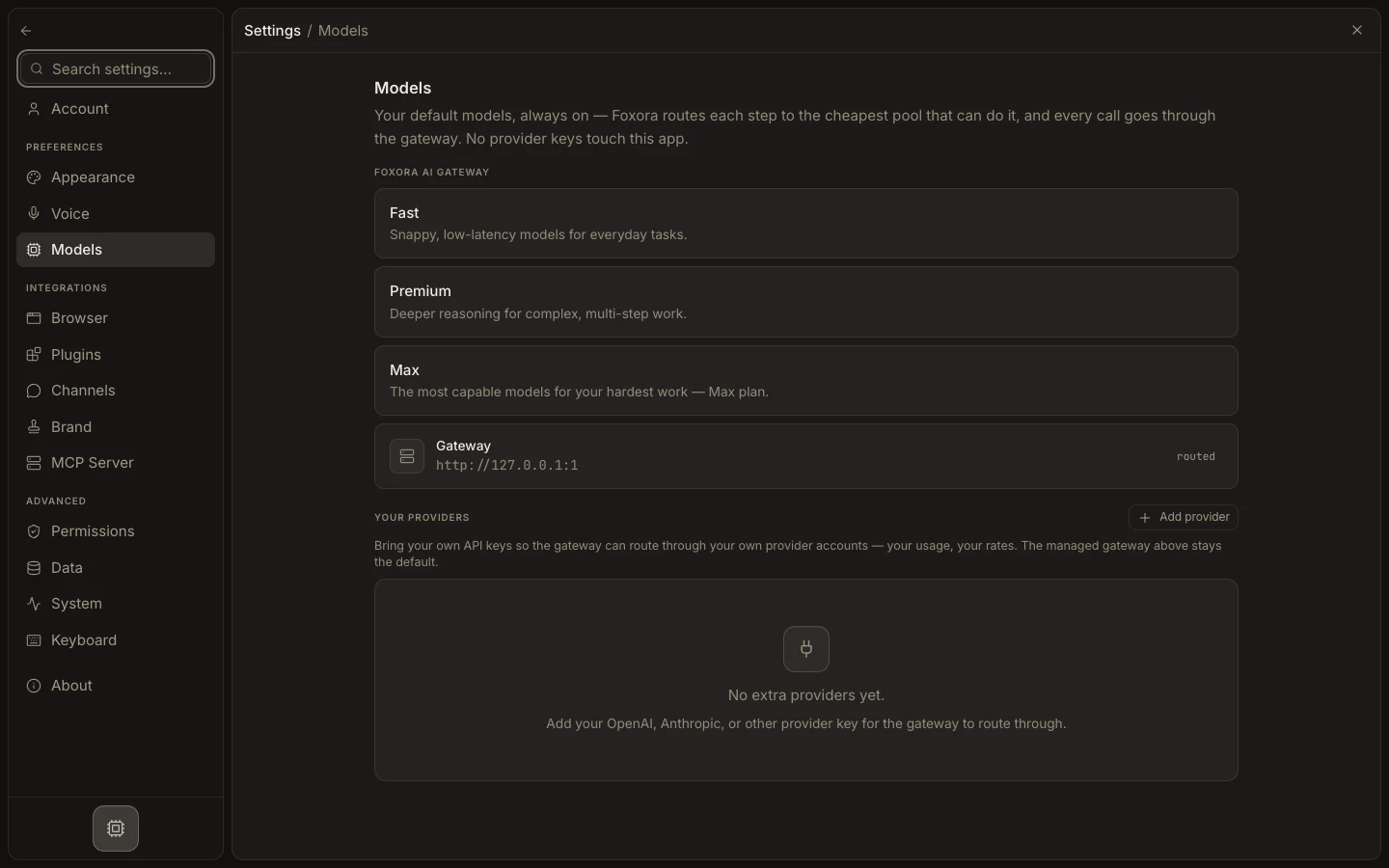
New tasks start with Foxora's managed Fennec route. A selection in the composer belongs to that task; Studio does not offer a global raw-model default in Settings.
On this page2
Control routing scope
- Open the Fennec picker in the current task.
- Choose a built-in tier or saved Agent crew for that task.
- Continue the conversation; the task retains its selected route.
- For a reusable BYOK default, open
Studio→Agents, edit a custom agent, and selectYour own model. - Order a primary model and up to nine fallbacks, then save the agent.
Expected result
Ad hoc choices stay with the task, while reusable provider routing stays attached to the custom agent that defines it.