
Correct or delete memory safely
Memory Den does not expose row-level edit or delete actions. It is a search and review surface for Runtime-owned records.
On this page2
Resolve a bad record
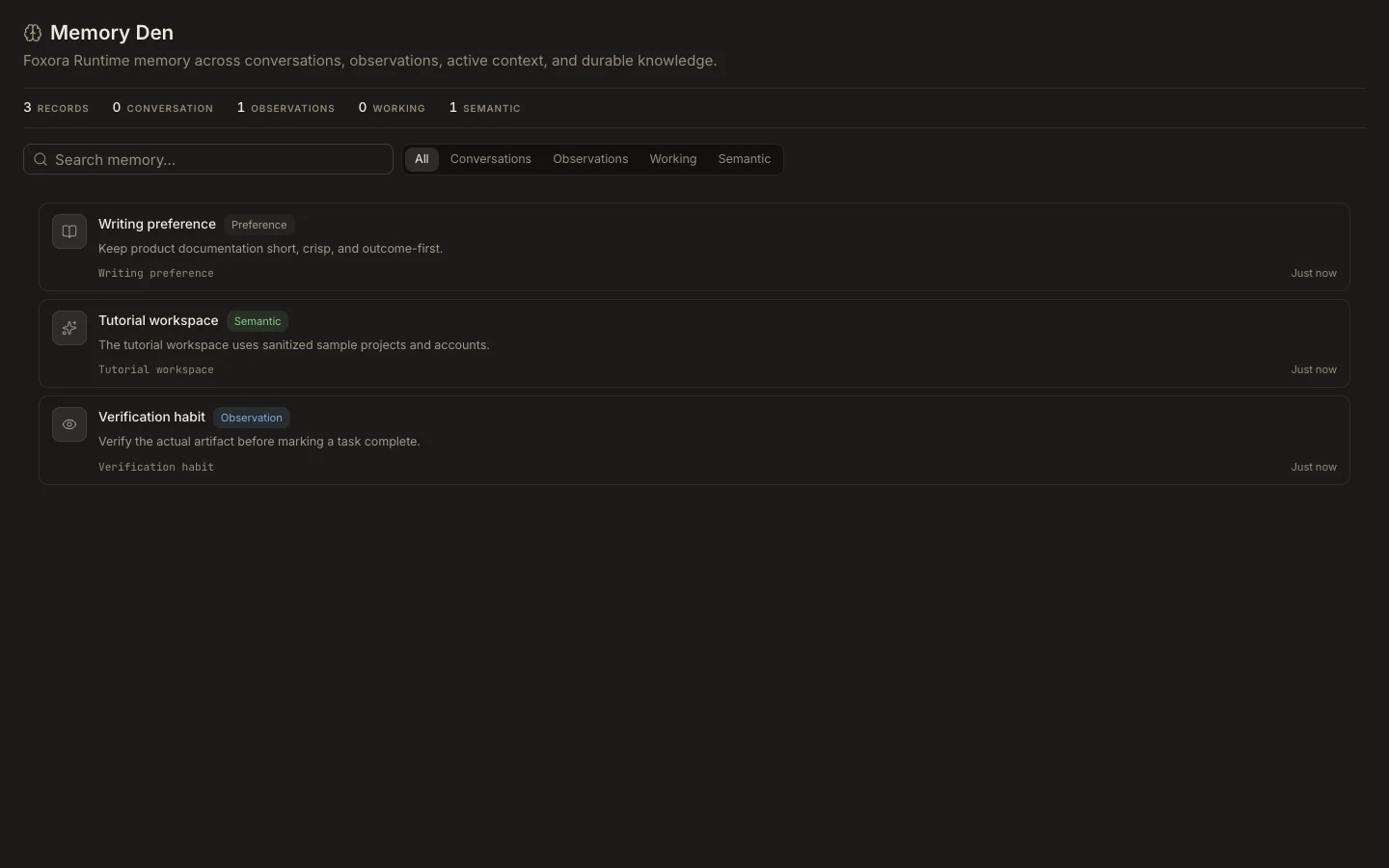
- Find the card in
Studio→Memoryand note its type, anchor, scope, wording, and time. - Do not rely on it in new work while it is stale, sensitive, or incorrect.
- Identify the owning source, such as a task, project, imported archive, agent setting, or connected service.
- Correct or delete the data at that source or with an available account or data-management control.
- Search Memory Den again after the Runtime synchronizes.
Expected result
The source of truth is corrected and future tasks no longer depend on the bad statement. Deleting a task does not guarantee that every derived observation or semantic record is immediately removed.