
Context and compaction
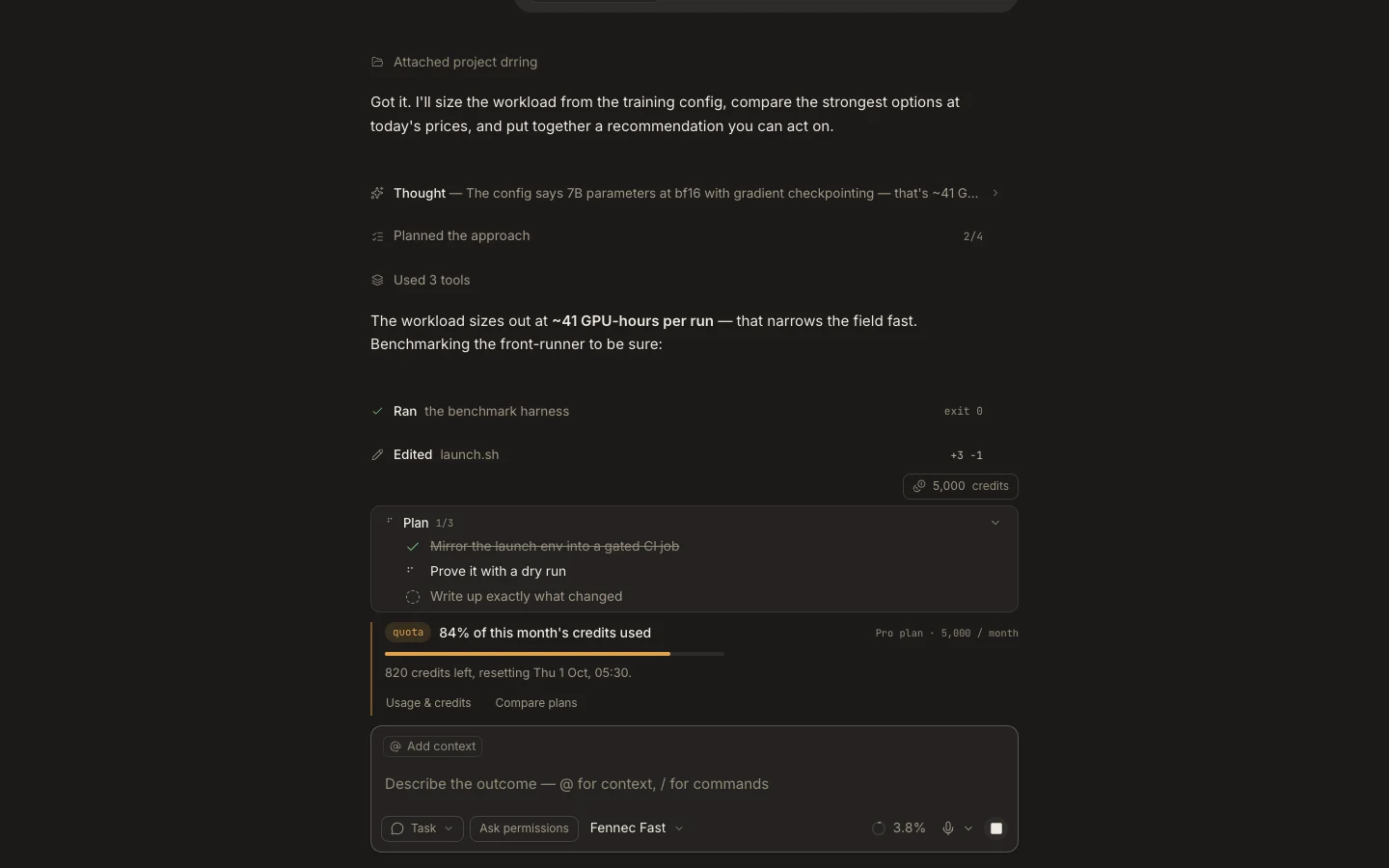
The context meter shows how much working context the active task retains, while automatic compaction preserves a useful summary as history grows.
On this page2
Steps
- Open the context meter near the composer to check current occupancy.
- Keep requirements, decisions, and file references explicit instead of relying on old conversational hints.
- When a compaction seam appears, review the next response for any missing constraint.
- Restate critical facts or open a fresh task when the outcome has materially changed.
Expected result
Long tasks can continue with a smaller retained context while the full transcript remains available for review.
Note: Delegated agents use their own context windows; their token use does not mean the parent task retained every detail verbatim.