
Skills overview
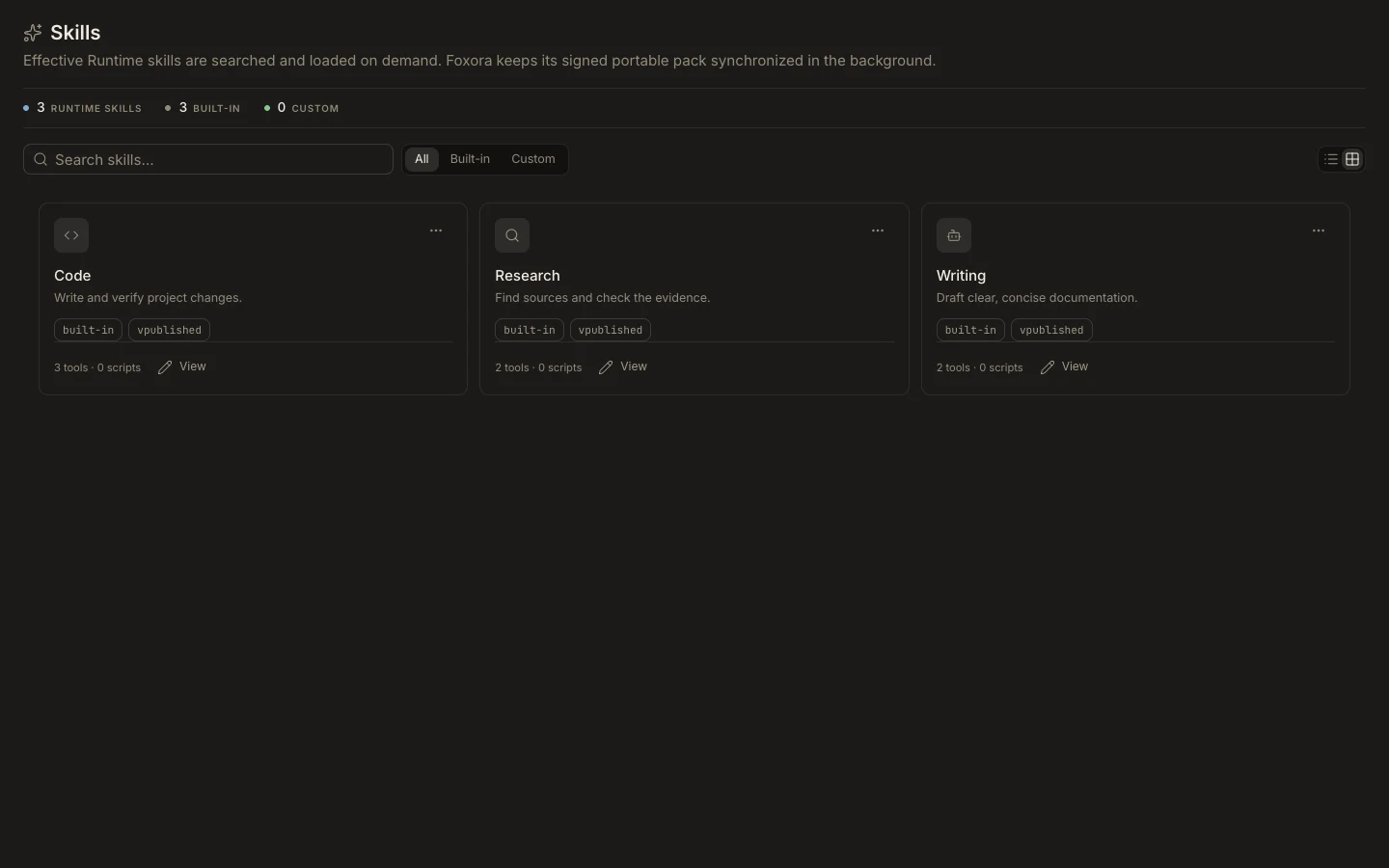
Skills are reusable Runtime playbooks that an agent can load when relevant. The current managed catalog is read-only in Studio, so it presents published identity and capability information without exposing the full playbook or scripts.
On this page2
Find and use a skill
- Open
Studio→Skills. - Search by name, description, or tag, or use the available source filter.
- Open a card to review its Identity, version, tags, locus, and expected Tools.
- Select
Doneto return to the catalog. - Assign the skill from a custom agent's
Permissionssection and run a matching task.
Expected result
The managed skill is available to the agent without becoming editable. A skill guides work but does not grant tools, plugin access, or permissions.