
Appearance settings
Appearance controls the visual theme used by Foxora on the current account and device. The available choices are theme, font, neutral scheme, and accent.
On this page2
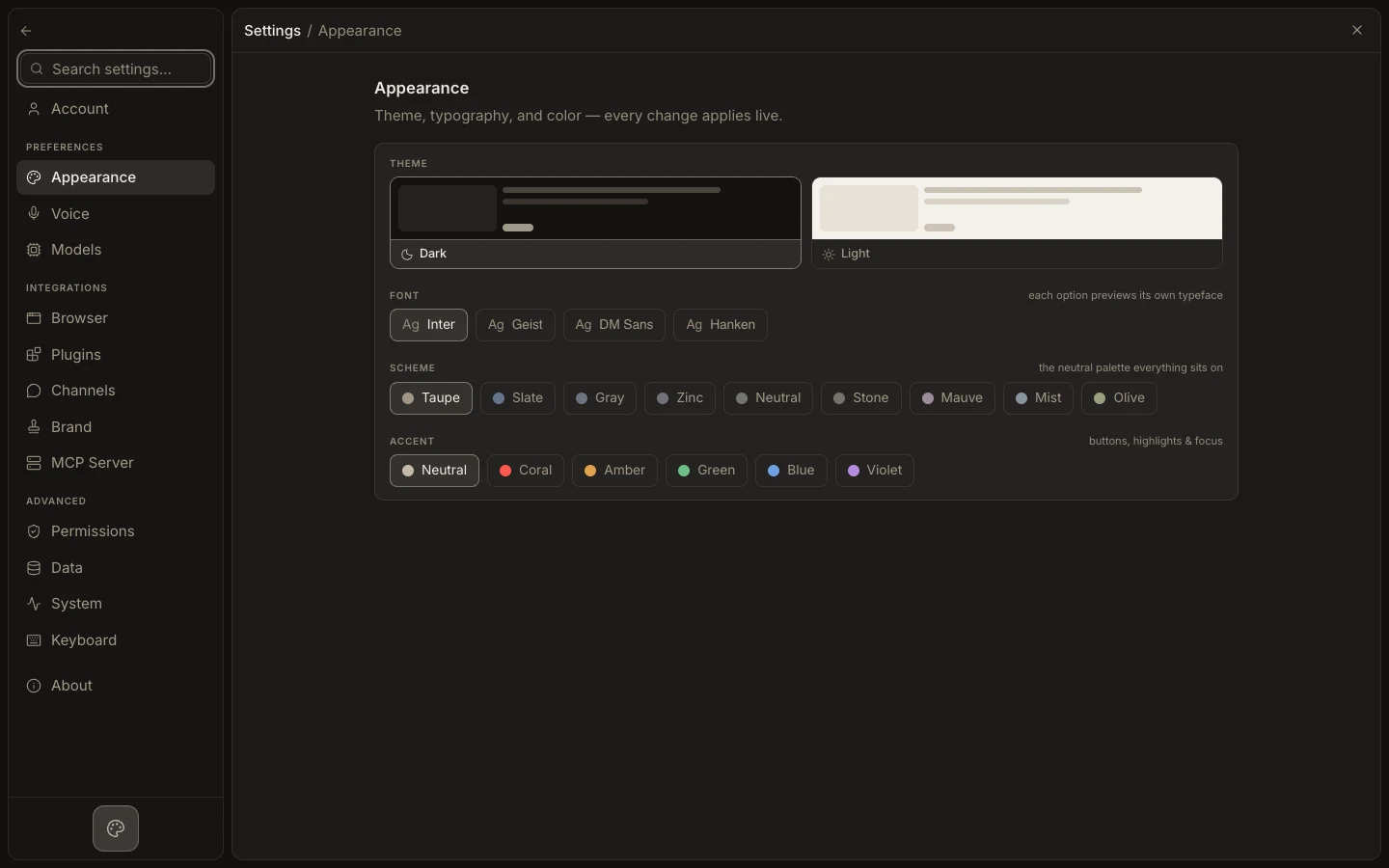
Change the interface
- Open
Settings→Appearance. - Choose
DarkorLightunderTheme. - Select a
Fontand preview its typeface in the option. - Pick a
Schemefor the neutral palette and anAccentfor buttons, highlights, and focus. - Check a conversation, editor, and Settings page for readability.
Expected result
The interface updates immediately and uses the selected theme, font, scheme, and accent. Density, text-scale, and motion controls are not part of this page.