
Create a chatbot
Create the Bot agent first, then place it in a Chatbot crew that owns deployment.
On this page2
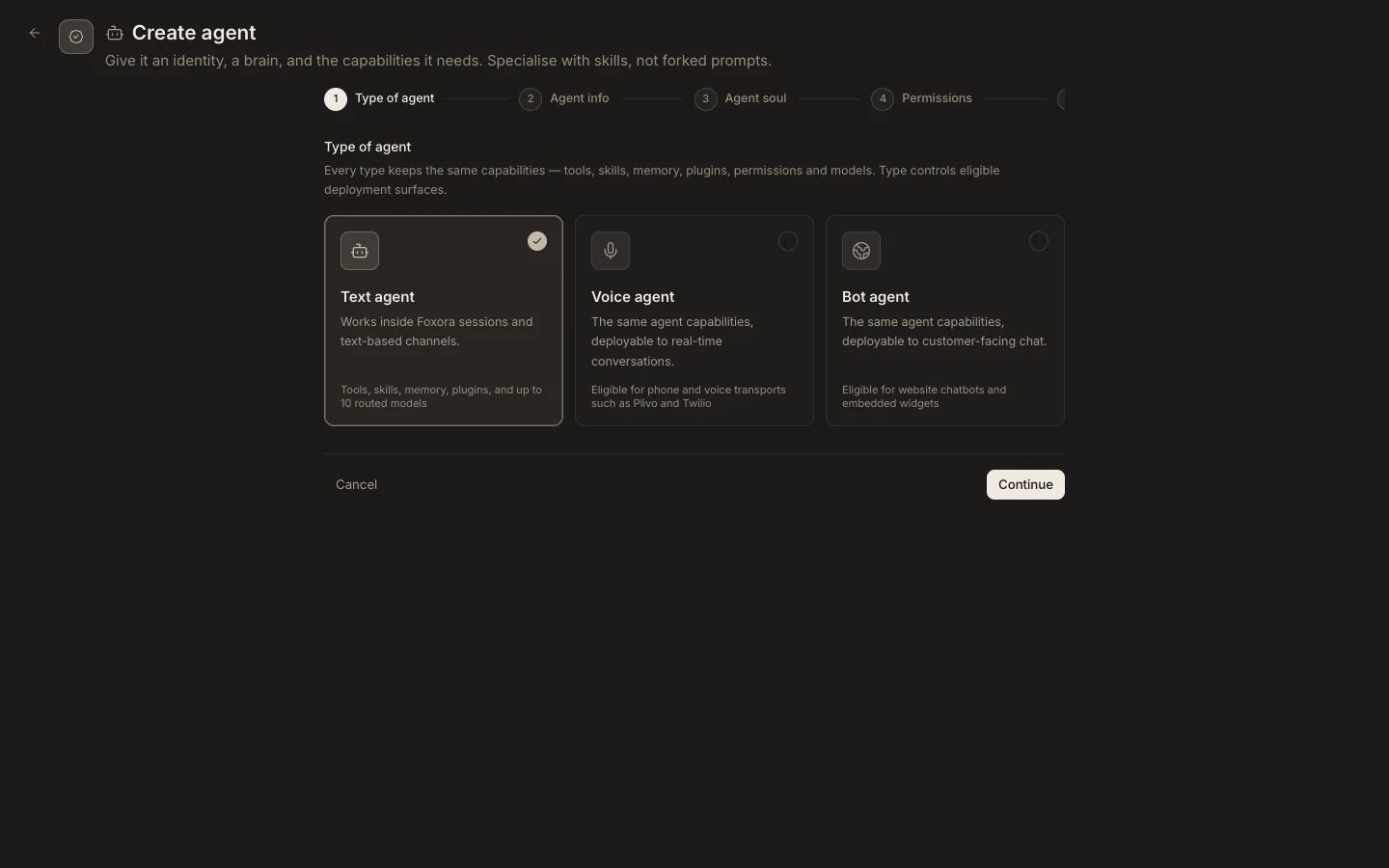
Create both parts
- Open
Studio→Agents, selectNew agent, and chooseBot agent. - Complete its identity, instructions, permissions, capabilities, and model settings, then create it.
- Open
Crews, selectNew crew, and chooseChatbot crew. - Add the Bot agent, set mission and goal, then complete Chatbot, Branding, and Deployment.
- Enter an exact HTTPS
Website origin, save, and publish to activate embedding.
Expected result
Studio shows an active web deployment with a public key, embed snippet, and share link. The website origin must match the embedding site; localhost is accepted only for development.