
Controlling desktop applications
Computer Use operates visible desktop applications through supported screenshots, pointer actions, typing, keys, and scrolling.
On this page2
Steps
- Open the target application and place it in a known starting state.
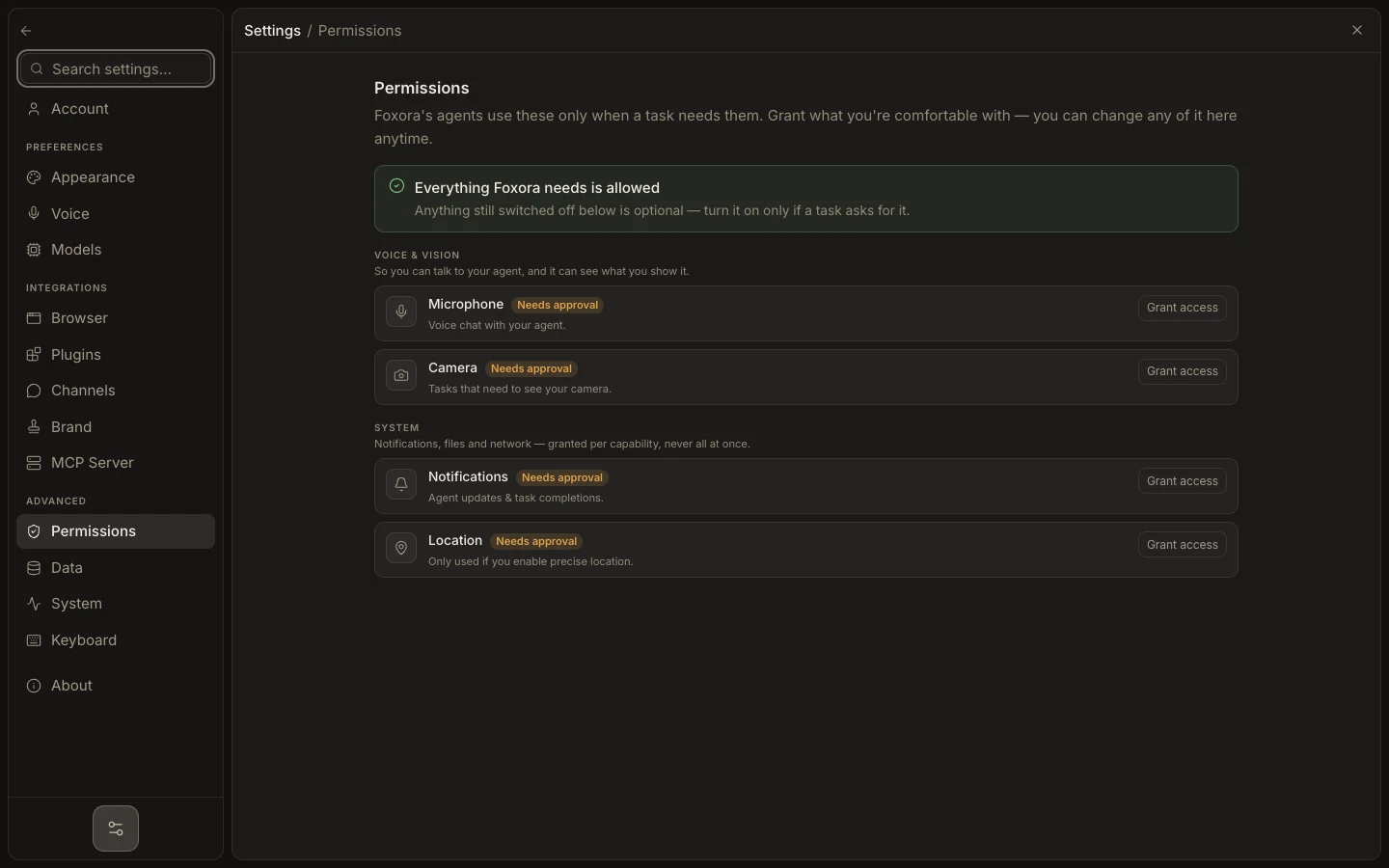
- Confirm Accessibility and Screen Recording are enabled in Settings → Permissions.
- Ask Fennec for a narrow sequence with a clear final visual state.
- Follow the inline computer activity and inspect the application when the task stops.
Expected result
The application reaches the requested visible state and the task records the actions or screenshot evidence.
Note: Availability varies by platform and build; an unsupported build reports computer control as unavailable without disabling browser or shell tools.