
Run history and outputs
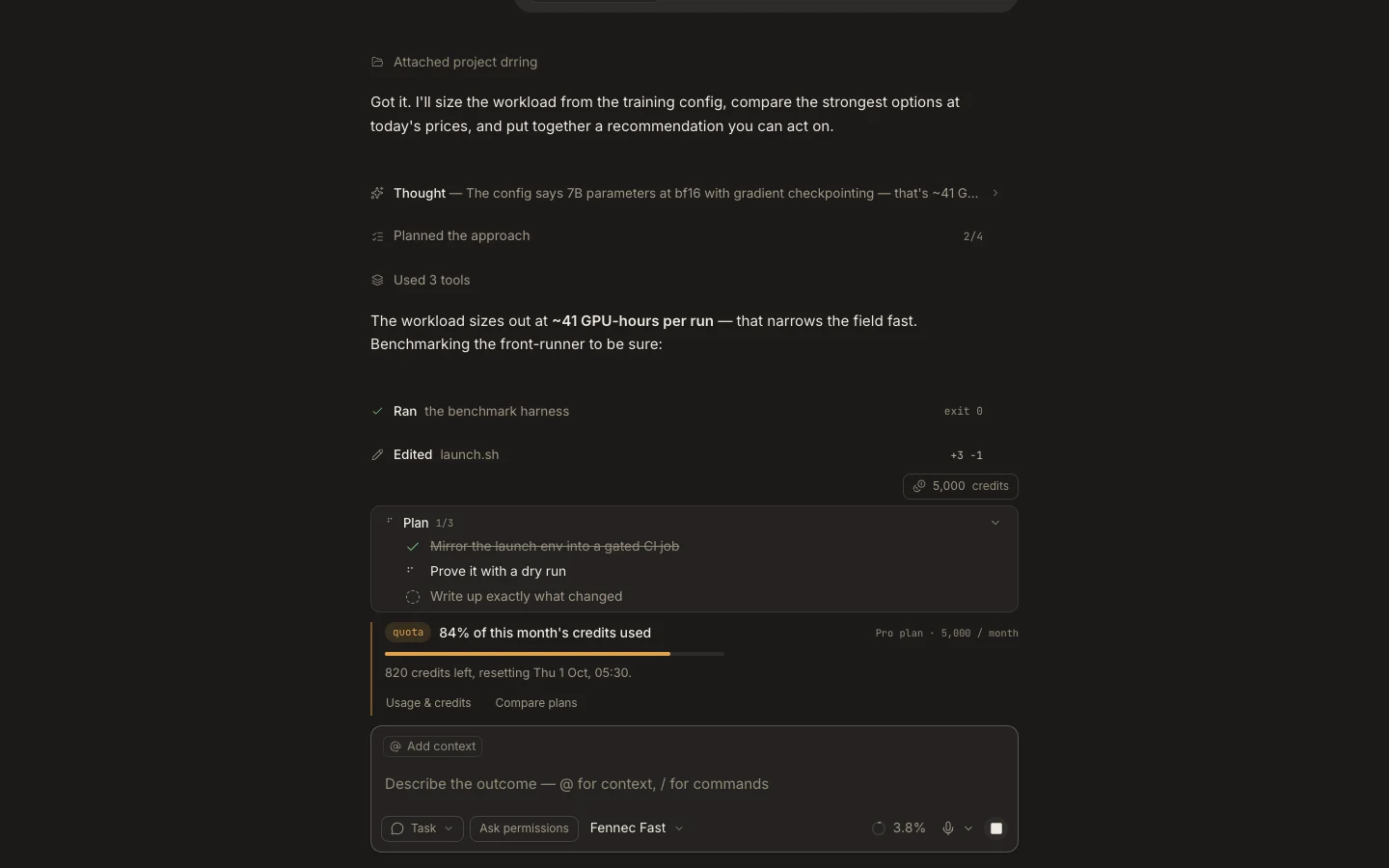
The History tab keeps completed, failed, and stopped execution summaries. Detailed artifacts remain with the originating task or workflow.
On this page2
Trace an earlier result
- Open
Runs→History. - Search by task name, session ID, or automation run ID.
- Expand the row to review the plan, process activity, or workflow step states.
- Copy the session ID when you need to locate the matching task.
- Open that task, file, preview, terminal, or
Stagesurface to inspect the actual output.
Expected result
The run summary and artifact point to the same execution and outcome. History records operational state and timing; it is not a backup of every generated file or external resource. Retain or export important outputs in their owning system.