
Computer-control safety
Computer control can move the pointer, type, scroll, and capture the screen, so it should be limited to a visible, reversible desktop workflow.
On this page2
Steps
- Close unrelated apps and remove secrets from view.
- State the target application, allowed actions, and stopping point.
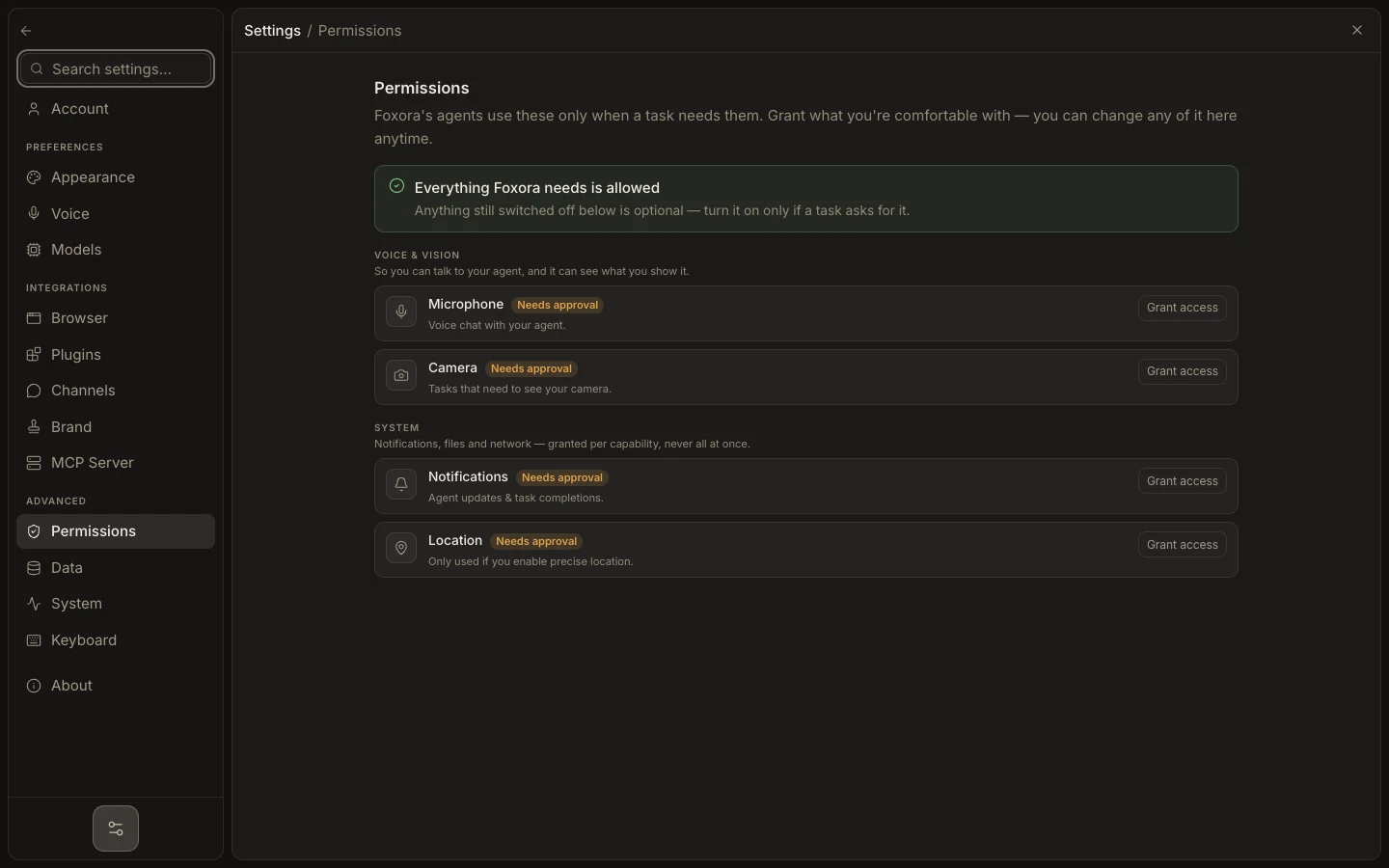
- Use Ask permissions for unfamiliar or high-impact work.
- Watch the desktop and stop before sending, deleting, purchasing, publishing, or changing an account.
Expected result
Foxora interacts only with the intended application and leaves sensitive or irreversible confirmation to you.
Note: Full Access reduces prompts but does not make computer actions safe or reversible.