
Channel troubleshooting
A connected badge proves saved configuration, not the full provider-to-Foxora message path. Diagnose the row status, provider callback, identity verification, and a real event in that order.
On this page2
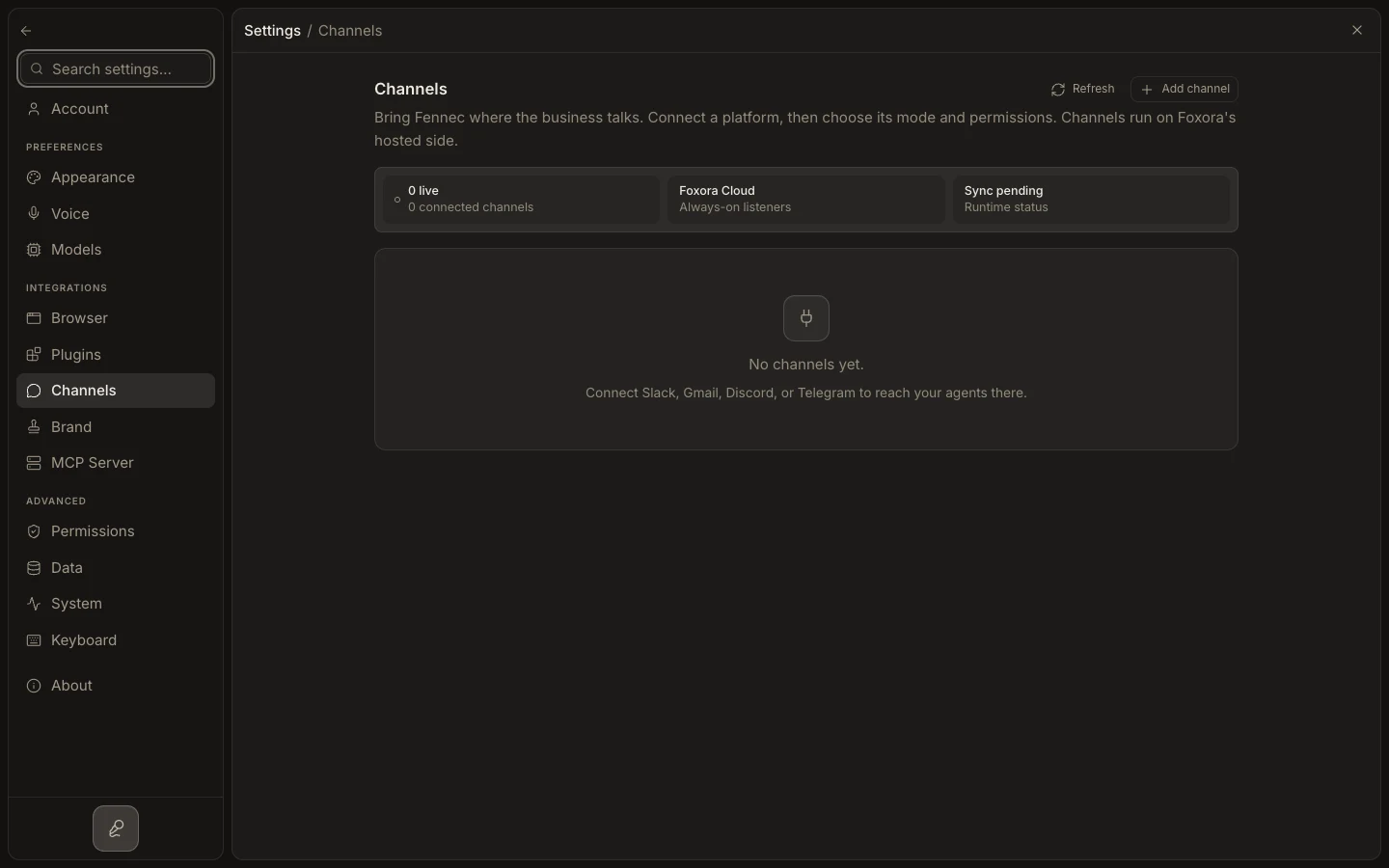
Check the live path
- Open
Settings→Channelsand read the affected row's status and guidance. - Select
Edit settings; confirm credentials, required scopes, and the compatibleFennec mode. - For webhook providers, copy Foxora's displayed webhook URL and verification or signing value into the provider console.
- Complete owner verification when the channel requests it.
- Send a new inbound message and wait through any displayed provider backoff before retrying.
Expected result
The runtime becomes healthy and the test message reaches the selected crew. Persistent authentication errors require corrected provider credentials or scopes.