
Create a workflow manually
Manual creation starts with a blank canvas and keeps every trigger, step, connection, and approval visible.
On this page2
Build the canvas
- Open
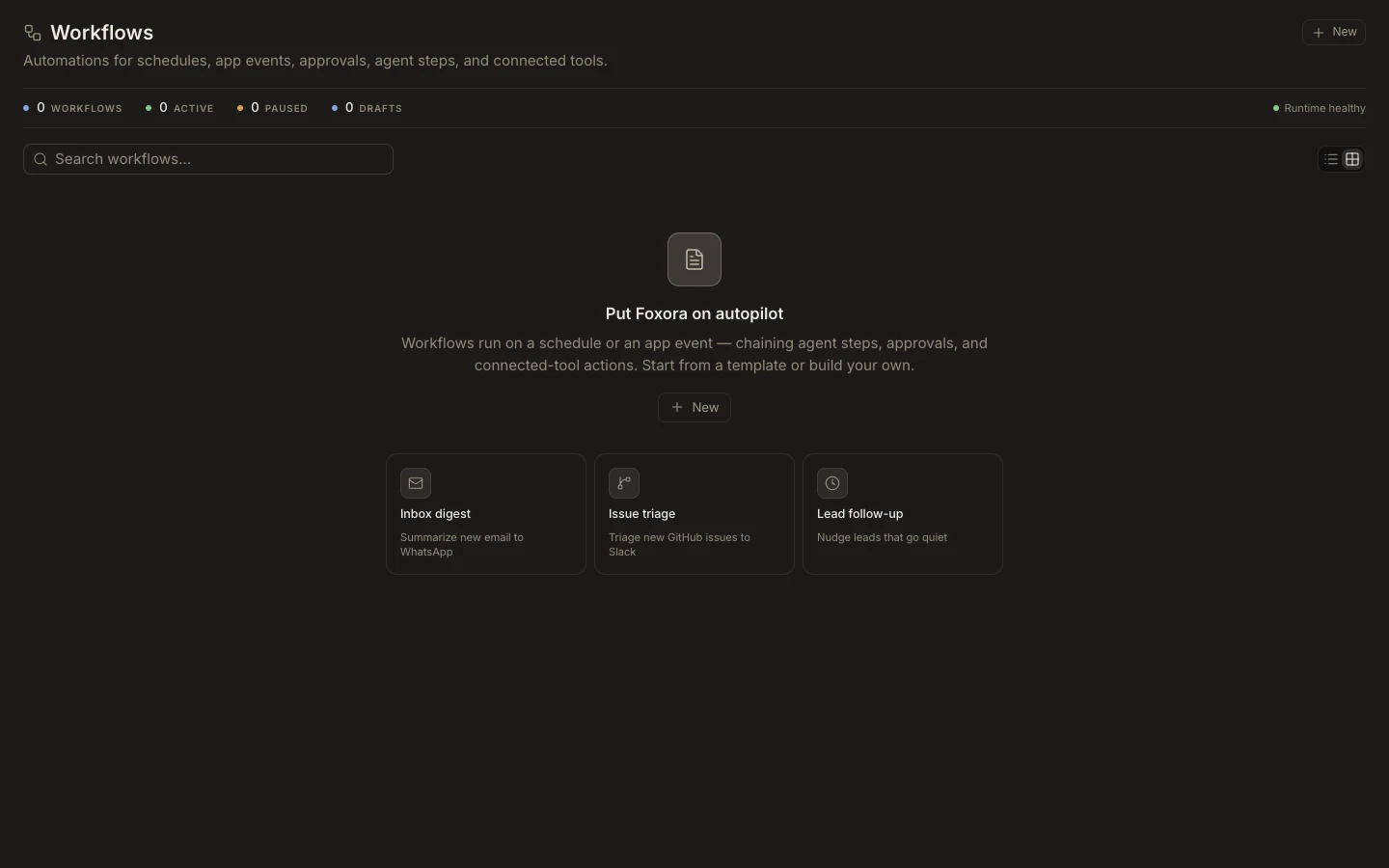
Workflows, selectNew, then chooseConfigure manually. - Name the workflow and choose a manual, schedule, or connected-app event trigger.
- Add ordered agent, tool, condition, delay, approval, loop, or notification steps.
- Map each step’s input from the trigger or earlier outputs and connect required apps.
- Select
Save draft, thenTest run.
Expected result
The canvas has no unresolved requirement, every referenced output comes from an earlier step, and the test records a step-by-step run. Keep it as a draft until sample output and external effects are verified.