
Build an agent or crew
Create a focused specialist or a crew that delegates across several specialists.
On this page3
Create an agent for one specialist role. Create a crew when several roles must coordinate.
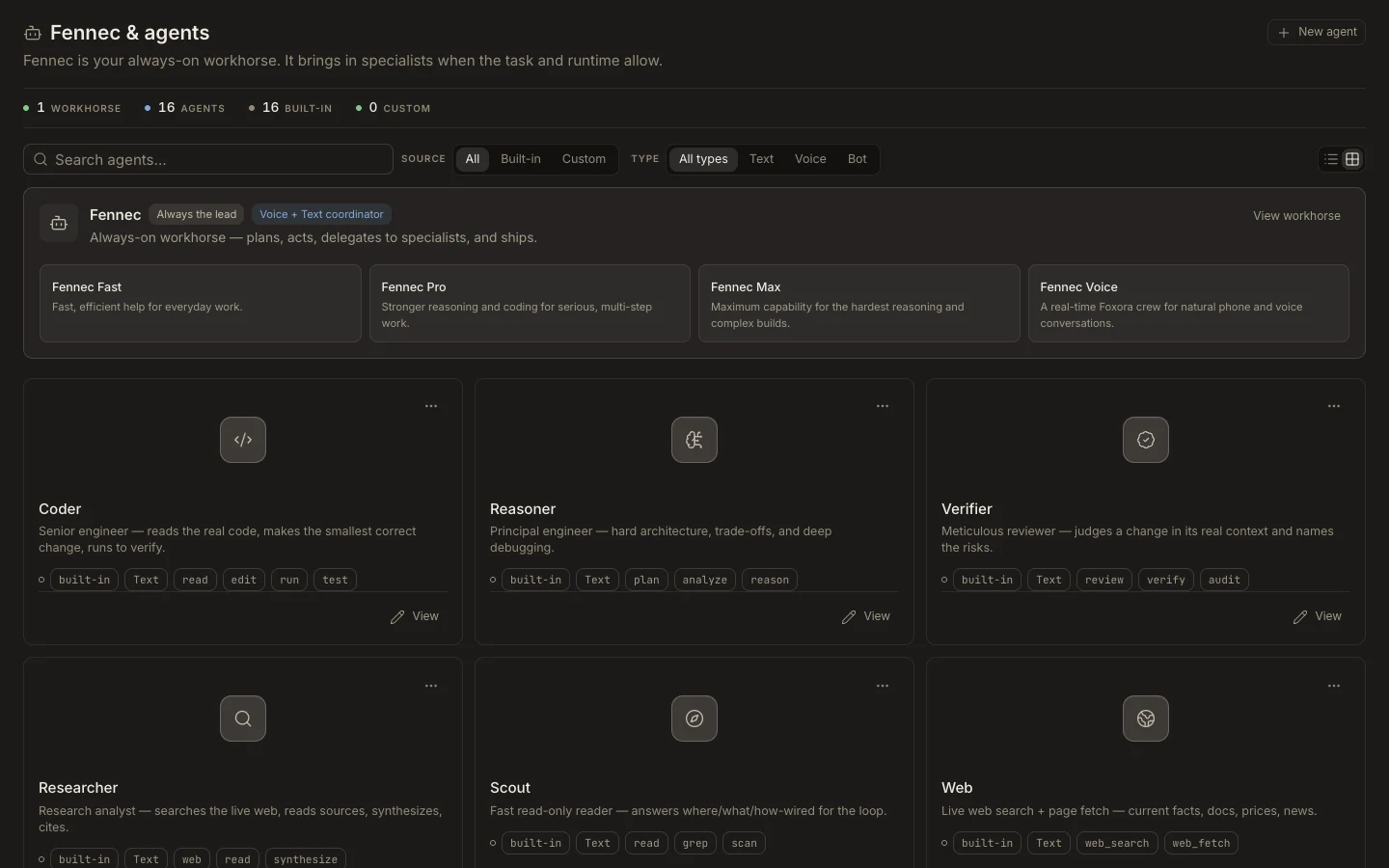
Agent
- Switch the sidebar to
Studio. - Open
Agents, then selectNew agent. - Give it one clear purpose, concise instructions, and only the tools it needs.
- Save it and test it with a small prompt.
Crew
- Open
Crews, then selectNew crew. - Add complementary agents and describe when Fennec should delegate to each one.
- Save the crew, choose it in a new task, and run a bounded test.
Tip: A narrow agent is easier to trust and improve than a long prompt that tries to do everything.
You are done when
The agent or crew appears in Studio and completes its test without unnecessary tools or permissions.