
Manage or disable a chatbot
Manage the reusable specialist in Agents and the public web deployment in its Chatbot crew.
On this page2
Change or stop access
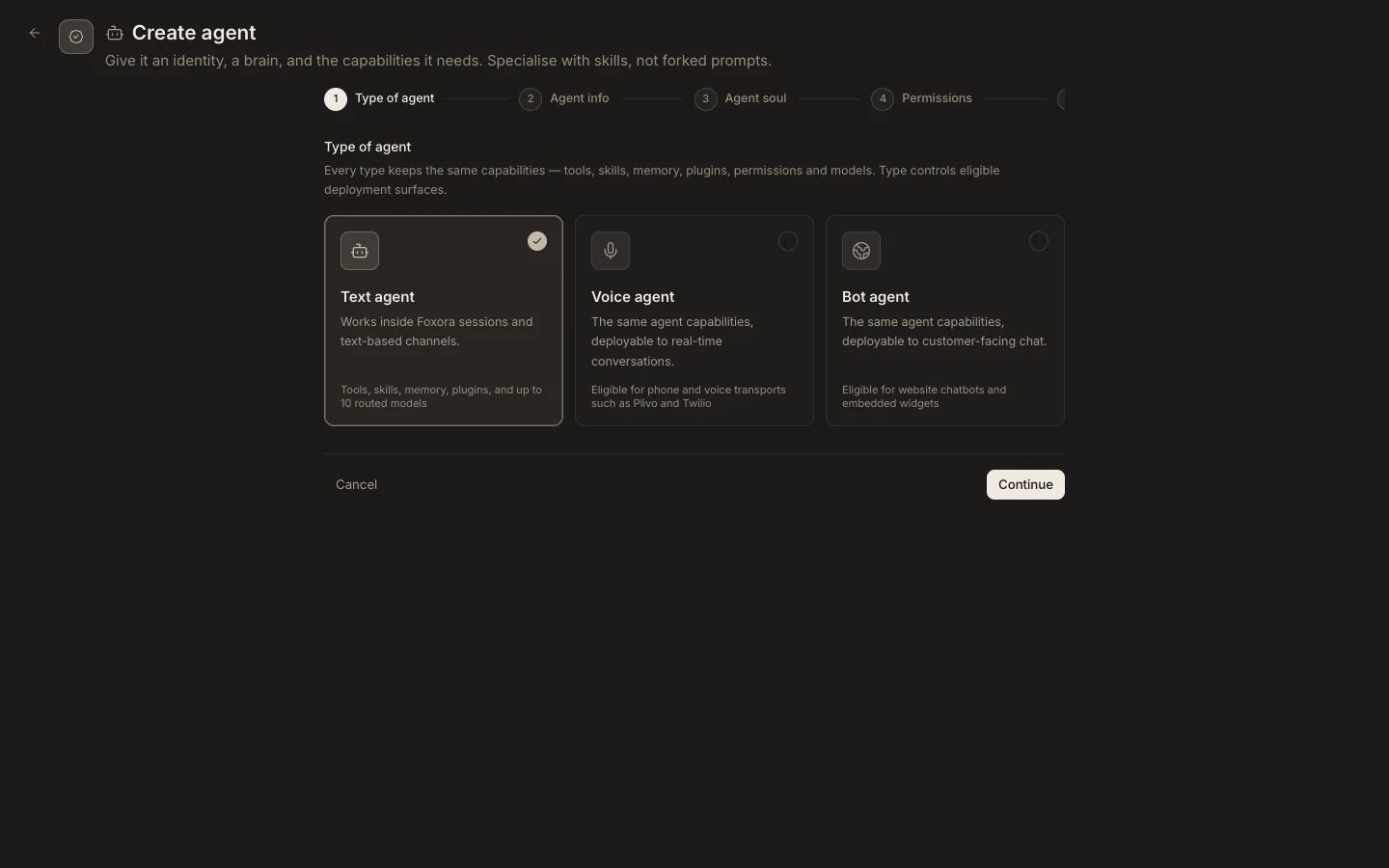
- Edit the Bot agent when its core instructions, capabilities, or permissions change.
- Edit the Chatbot crew when its roster, website instructions, branding, audience, or origin changes.
- Turn off
Available to deploywhen the crew should no longer be selectable for deployment. - Remove the embed from the website or remove its origin from the allow-list to stop that client surface.
- Delete a custom crew or agent only after checking dependent embeds and assignments.
Expected result
New visitors can no longer start an allowed embedded conversation, while unrelated Text and Voice deployments continue working. A draft or unpublished chatbot does not expose active embed artifacts.