
Appearance and themes
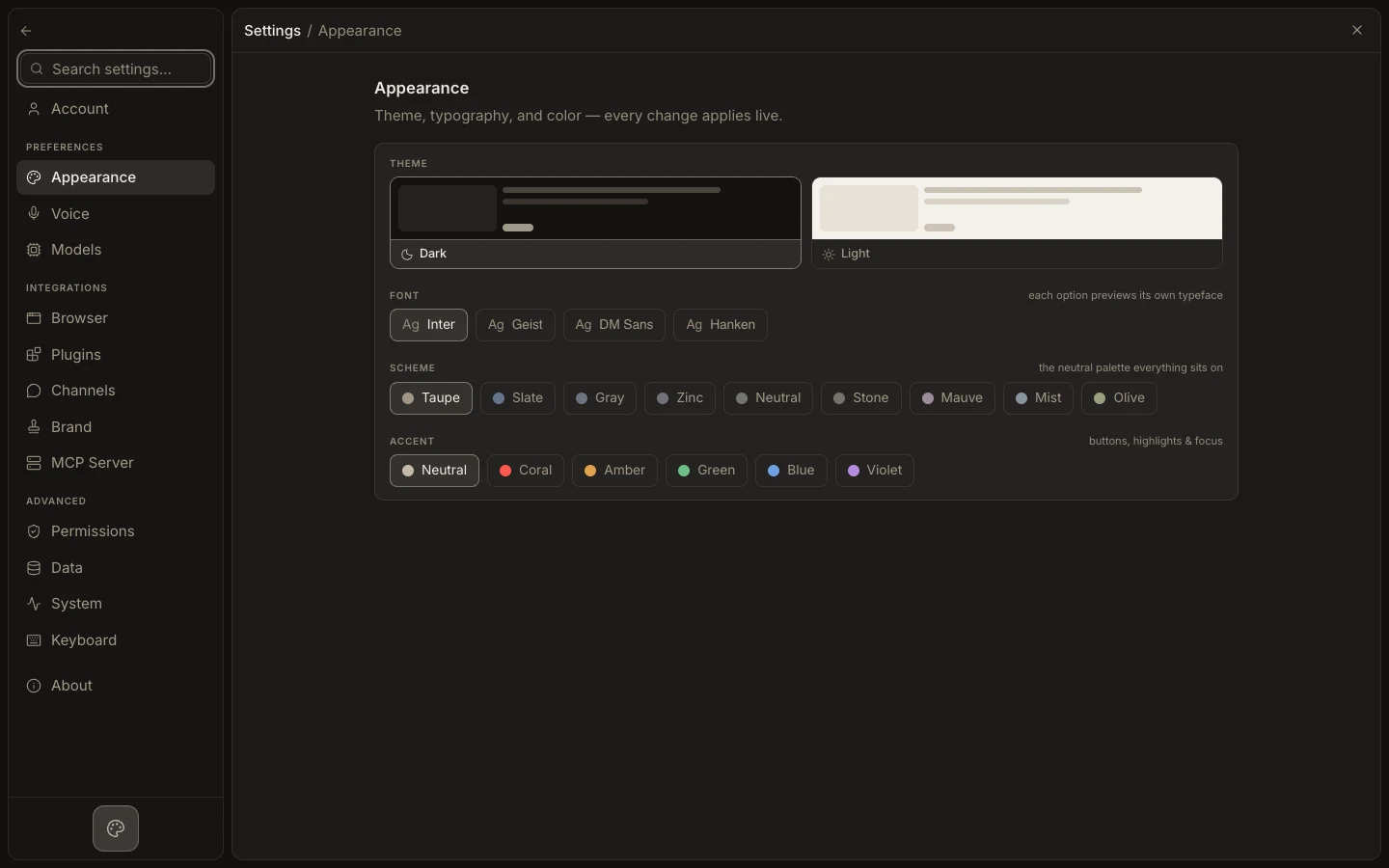
Appearance settings change Foxora’s theme, color scheme, accent, and type without affecting projects or task history.
On this page2
Steps
- Open Settings with Command/Ctrl+, and select Appearance.
- Choose a light or dark theme, then select the scheme and accent you prefer.
- Adjust the interface font if the available choices improve readability.
- Close Settings and inspect the transcript, Files, and Stage for contrast.
Expected result
The workspace updates immediately and keeps the selected appearance for later sessions.
Note: Use Settings → System → Reset appearance to restore Foxora’s defaults while leaving projects, tasks, and sign-in untouched.