
Routing channel messages
Channels route messages through a crew selected as the channel's Fennec mode; they do not assign an individual agent or a separate bot record directly.
On this page2
Choose the correct route
- Open
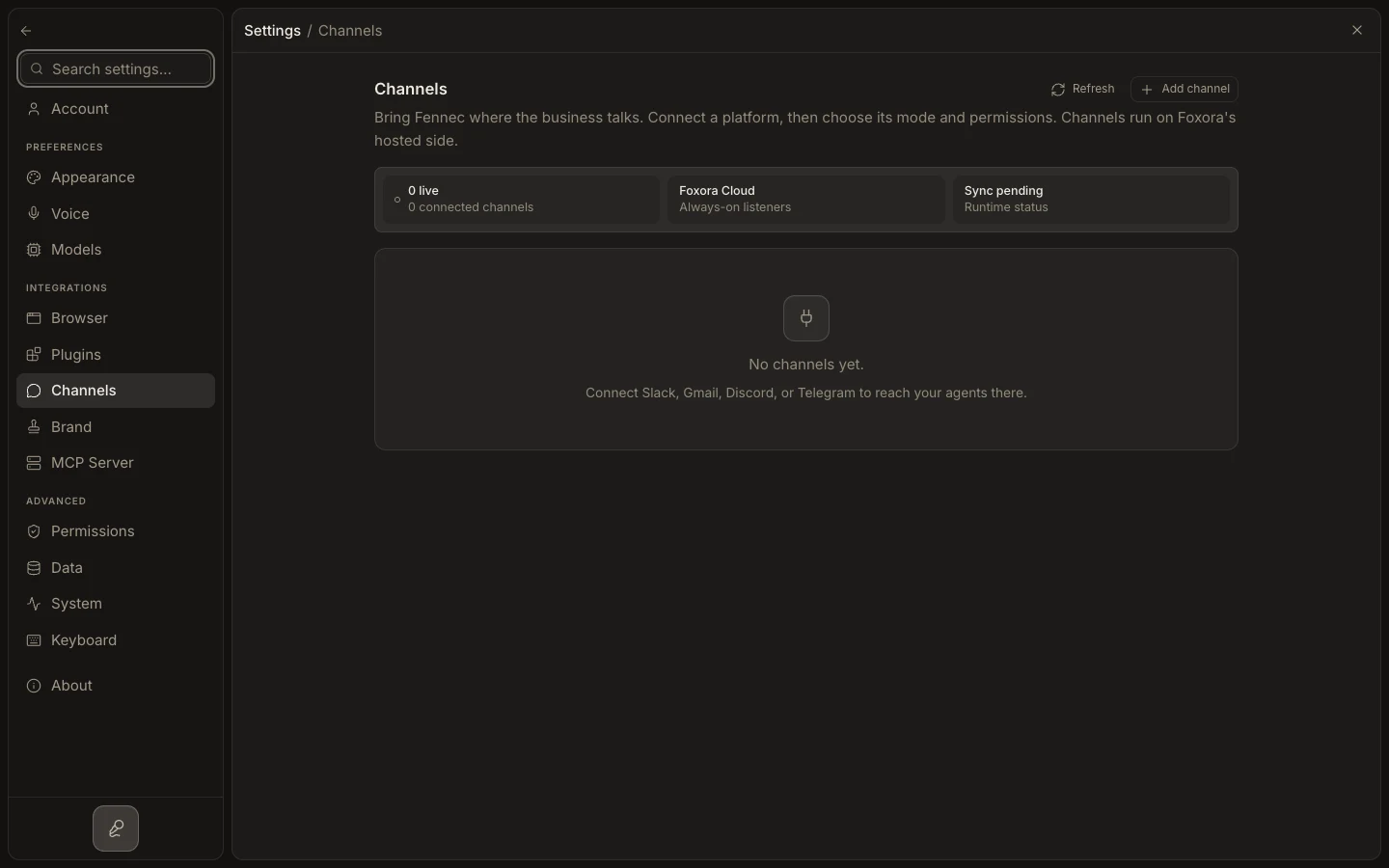
Settings→Channelsand edit the installation. - For normal messaging, email, or event connectors, choose an
Agent crew. - For supported phone connectors, choose a
Voice crew; incompatible crew types are not selectable. - Save with
Update channel, then send a representative message or call. - For a website bot, configure a
Bot agentinside aChatbot crewand publish its embed from Crews instead of Channels.
Expected result
New traffic enters the compatible crew, whose Fennec coordinator selects the appropriate member while preserving the channel policy.