
Choose a crew for a task
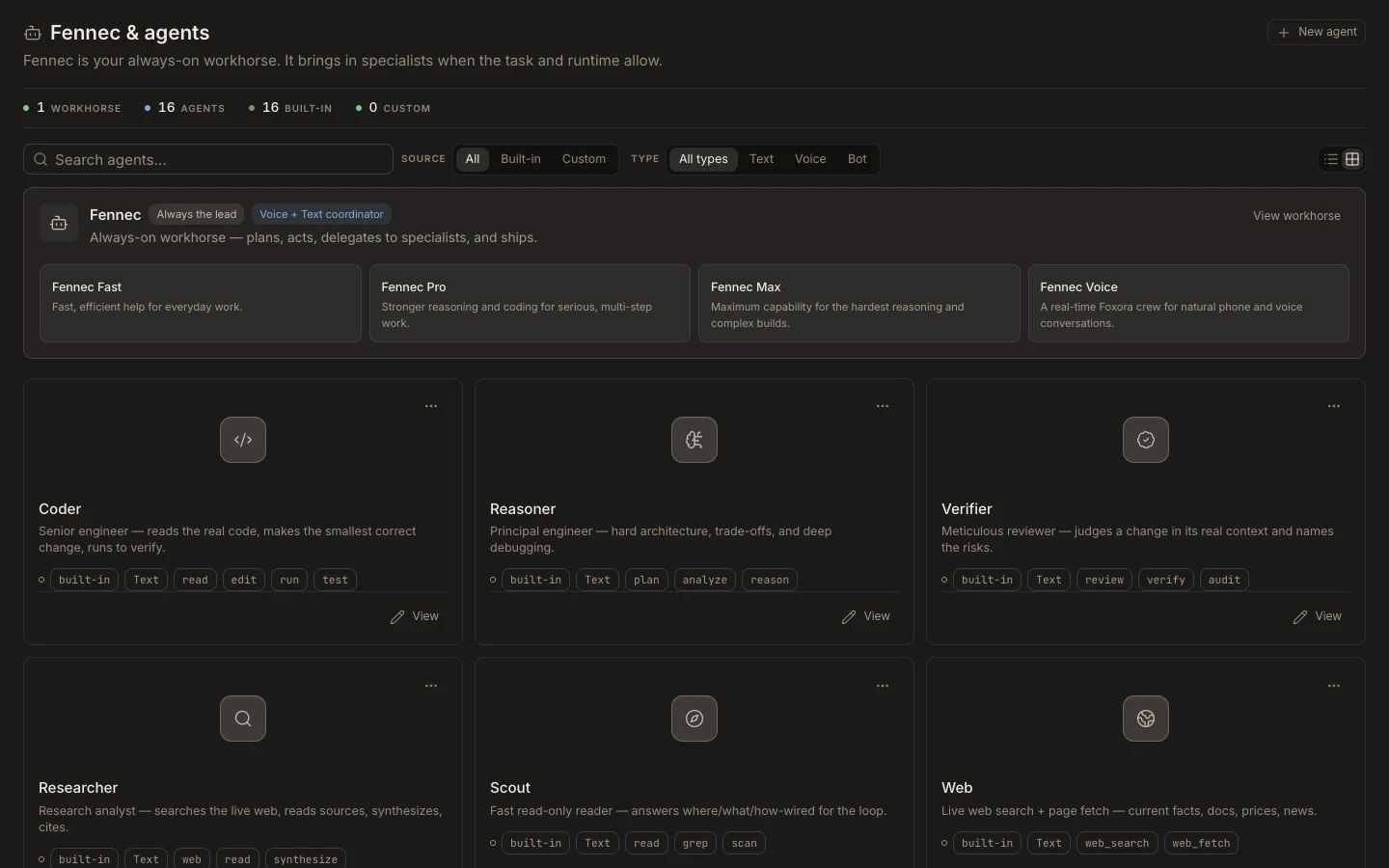
A live Agent crew can appear in the task composer beside the built-in Fennec modes.
On this page2
Start with a crew
- Select
Newin the Foxora sidebar and keep the type asTask. - Open the Fennec picker below the prompt.
- Choose the live custom crew whose mission matches the result you need.
- Add the required project or file context and choose the task permission mode.
- Select
Sendand watch the transcript for delegation to crew members.
Expected result
The task header shows the selected crew, specialists appear only when delegated, and the final response combines their verified work. If the crew is missing, confirm it is an Agent crew, saved, within plan limits, and enabled with Show in Foxora.