

Task Composer
Selecting a Fennec tier
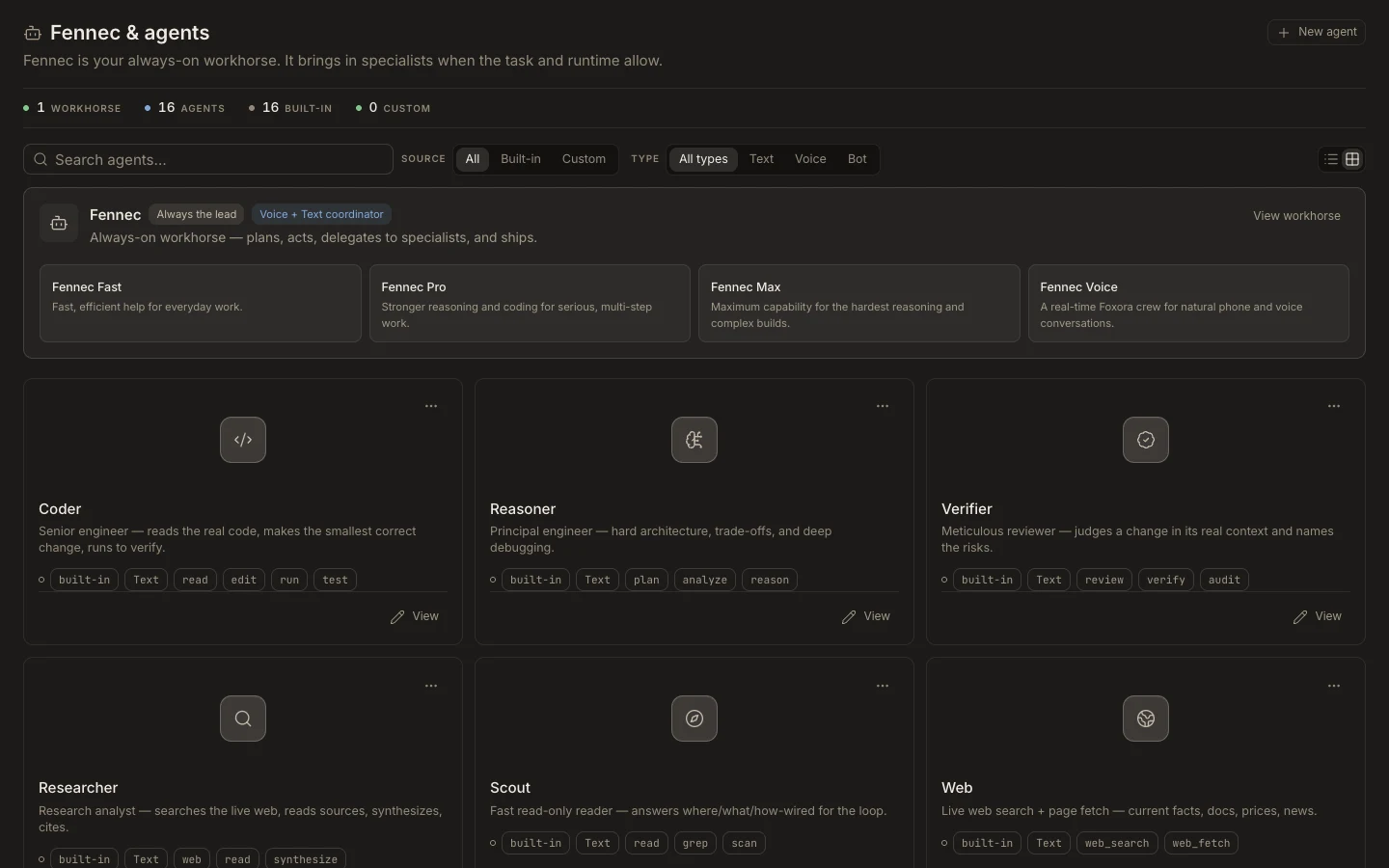
The Fennec picker offers Fast, Pro, and Max tiers plus eligible saved Fennec setups, keeping raw models and unrelated agents out of the task control.
View MarkdownPublished Studio guide. Some screenshots show earlier versions.
Steps
- Open the Fennec chip in the composer.
- Choose Fennec Fast for responsive everyday work.
- Choose Pro or Max when the task needs progressively deeper reasoning and review.
- Select a saved custom Fennec setup only when its configured skills match the outcome.
Expected result
The chosen Fennec identity appears on the composer and is used for the next run.
Note: A higher tier is not a substitute for clear scope, correct project context, or explicit verification.