
Renaming, pinning, and archiving tasks
Names, pins, and archives organize tasks without changing their transcript or project files.
On this page2
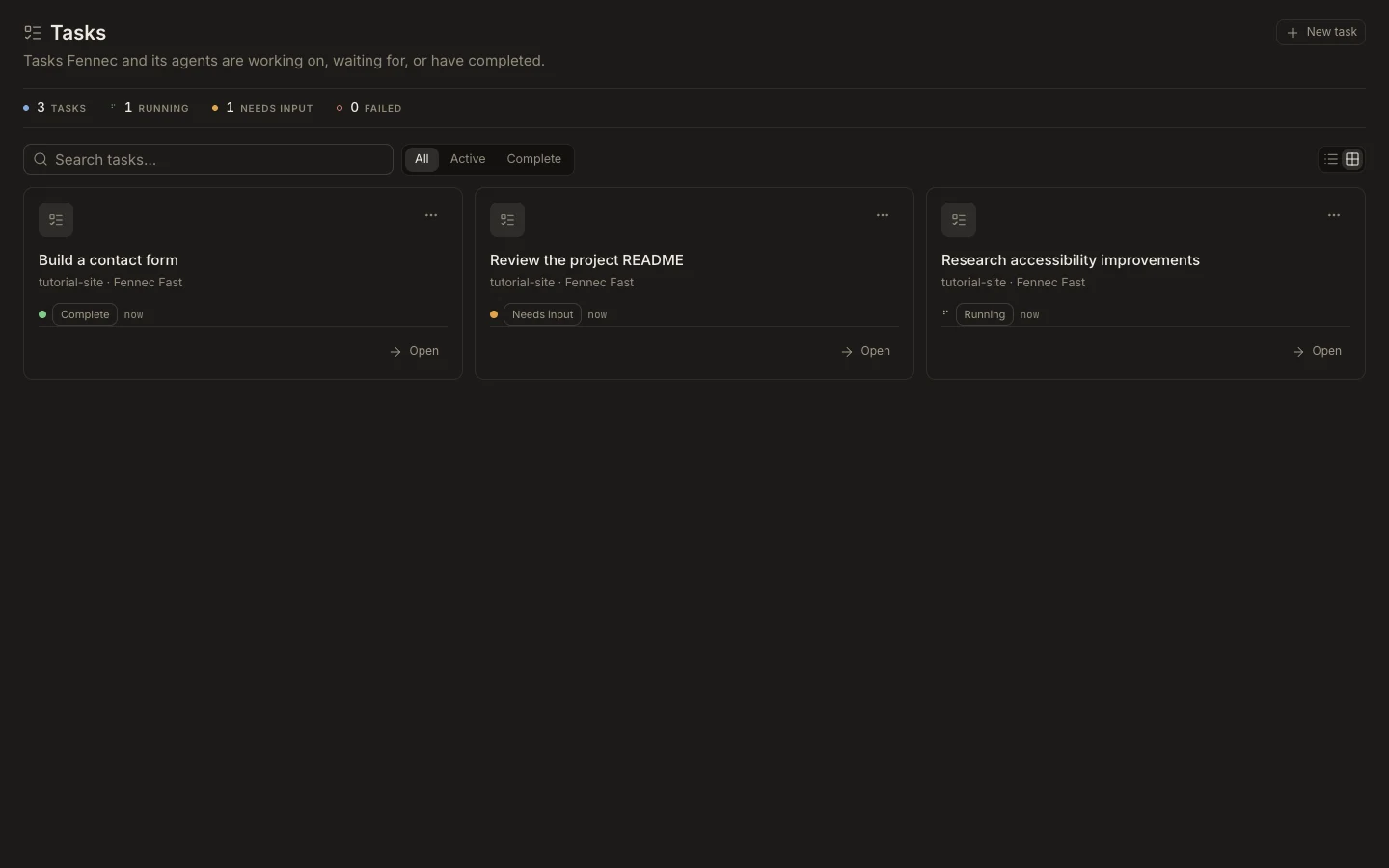
Steps
- Open Tasks and use the task’s menu.
- Choose Rename and enter a short outcome-based name, or regenerate the name from context.
- Choose Pin to keep important work prominent.
- Choose Archive when the work is complete; enable Show archived to find or unarchive it later.
Expected result
The task moves to the intended place in the list while its history remains intact.
Note: Archive is reversible. Delete is a separate destructive action and should be used only after checking that the history is no longer needed.