
Connect chatbot tools and surfaces
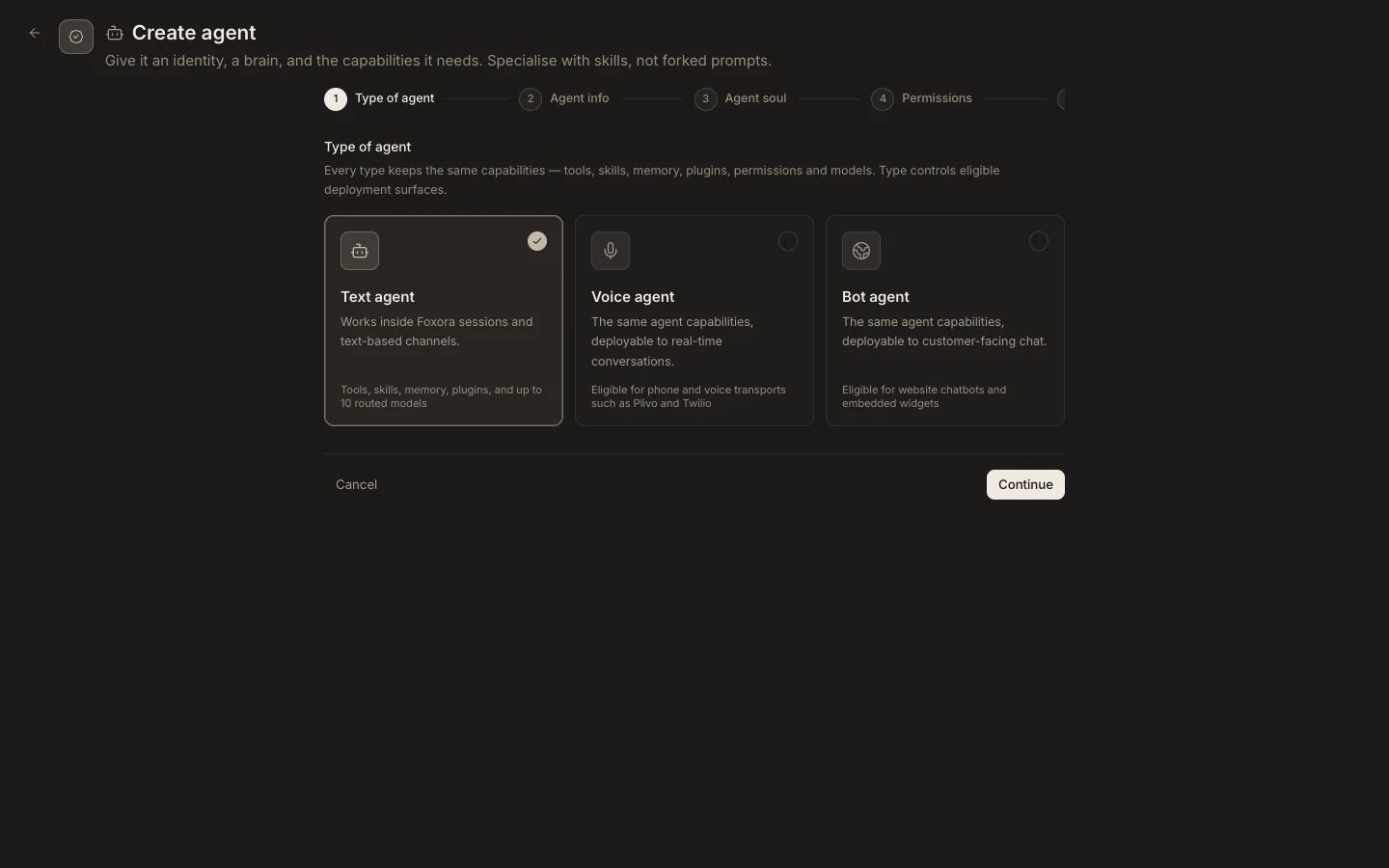
A Bot agent receives capabilities through its agent configuration. Its customer-facing surface is provided by a Chatbot crew.
On this page2
Connect safely
- Connect the required external app in
Settings→Pluginsand test a read-only action. - Open the Bot agent and assign the specific plugin, tools, and skills it may use.
- Keep filesystem, browser, network, and device permissions as narrow as the use case allows.
- Add the Bot agent to a
Chatbot crewand configure the website origin or share link. - Send a real visitor message and inspect the resulting task activity.
Expected result
The chatbot can use only the assigned capabilities from an allowed surface. Messaging and voice channels are configured separately with compatible Agent or Voice crews; they are not direct deployment targets for a Bot agent.