
Starting a Web task
A Web task begins in Cloud and should identify its project, expected output, and verification before tools run.
On this page2
Steps
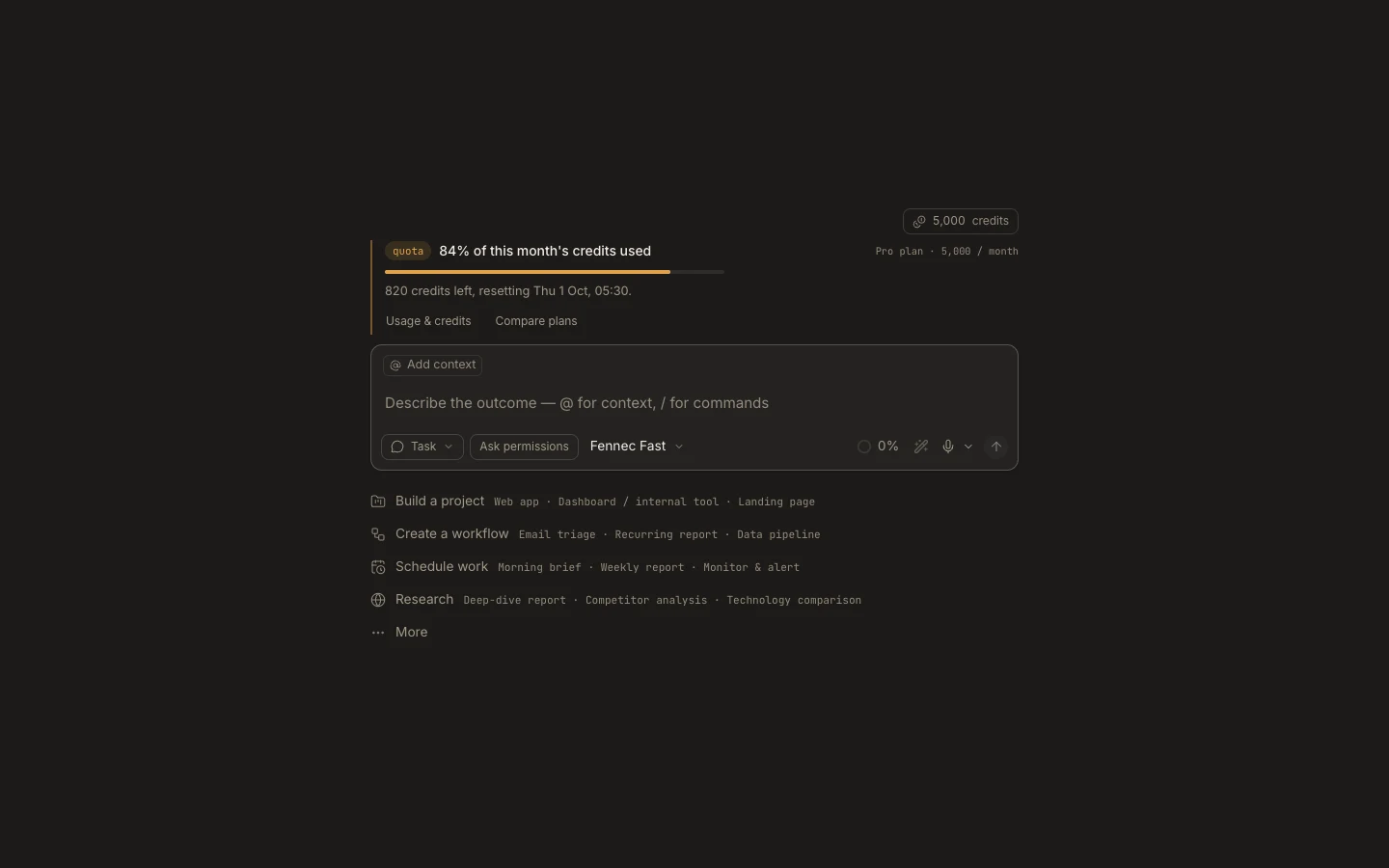
- Select New task in Foxora Web.
- Attach an existing cloud project, clone a repository, or keep the private task workspace.
- Choose the Fennec tier and autonomy mode appropriate for the work.
- State the outcome, target files, constraints, and success check, then send.
Expected result
The task starts in its cloud workspace and streams messages, tool activity, approvals, and results into one transcript.
Note: There is no local-folder picker on Web. Move the source into a cloud project or switch to Desktop.