
Overview
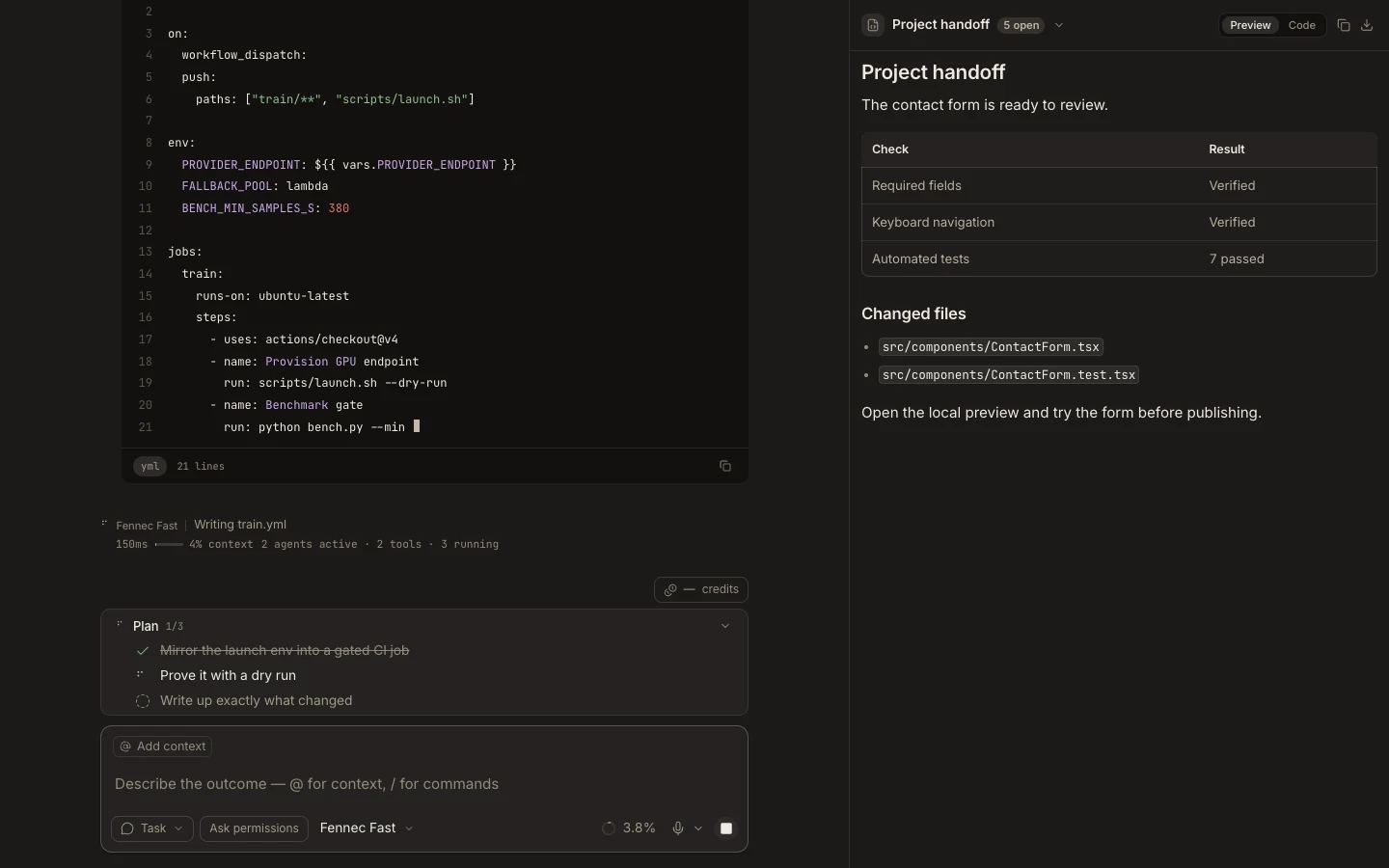
Stage is Foxora’s right-side workspace for terminals, previews, files, artifacts, media, background tasks, and other supporting surfaces.
On this page2
Steps
- Open Stage with Command/Ctrl+J or a launcher such as Terminal or Background tasks.
- Use the title switcher to move among open surfaces or create another one.
- Expand Stage when the active surface needs more room.
- Use Back, close, or the main transcript without losing the task’s conversation.
Expected result
Supporting work stays visible beside the active task, with one Stage surface focused at a time.
Note: The available surfaces and actions depend on platform, runtime, and the current task.