
Installation and startup problems
Verify the installed package, runtime, and service status before reinstalling Foxora or removing any local data.
- For Desktop, use the current download from foxora.ai/download; for CLI, verify
foxora --version. - Restart the app or terminal after installation and complete operating-system security prompts.
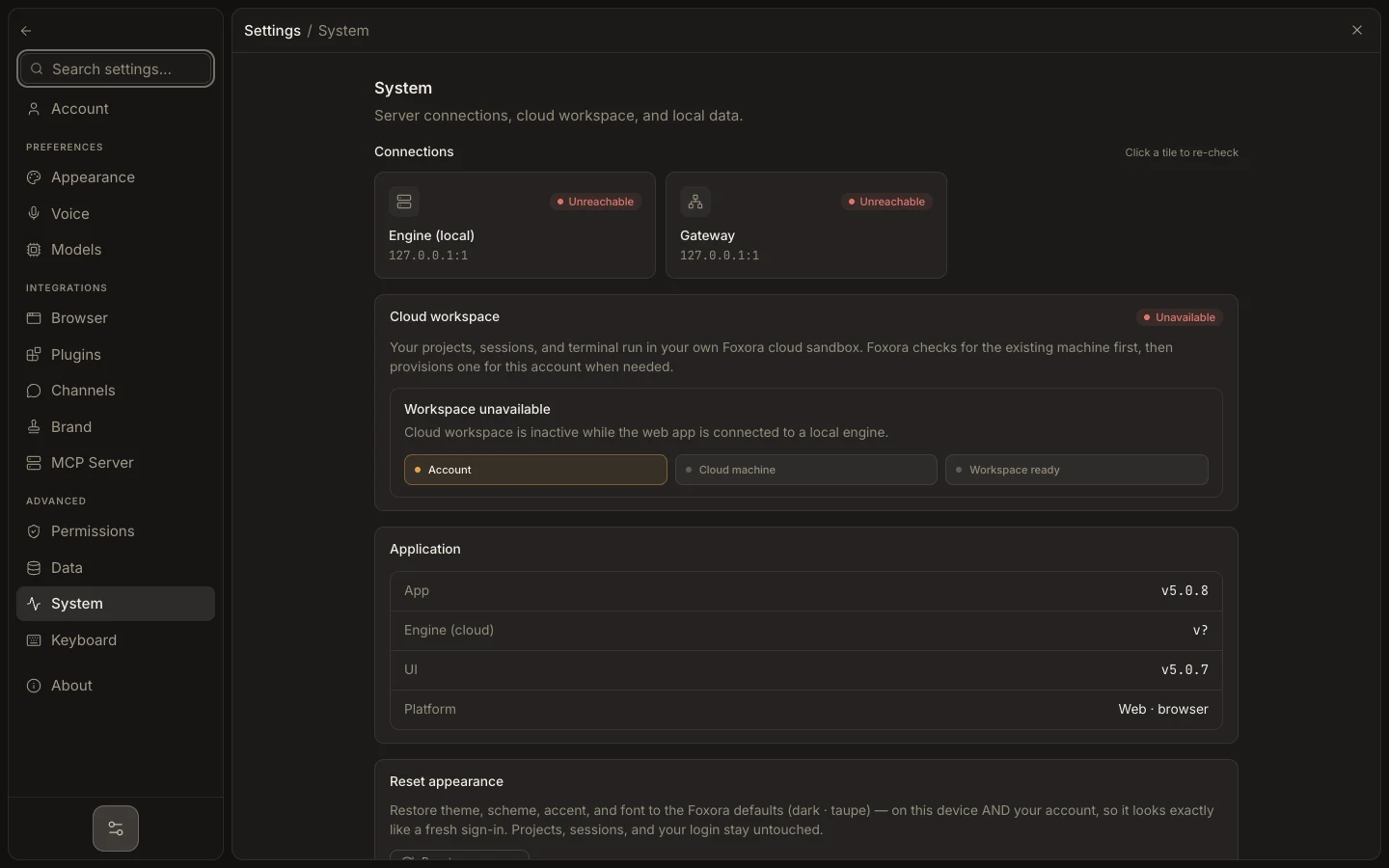
- In Desktop, open Settings → System and recheck the runtime and service tiles.
- In CLI, run
foxora setup, thenfoxora doctor. - Record the first failing check before repeating installation.
Do not delete ~/.foxora or %USERPROFILE%\.foxora during diagnosis. That directory can contain sessions, memory, settings, and authentication state; export important data first.
Expected result: Studio opens or foxora doctor identifies one failed installation, runtime, authentication, or network layer.