
Browser setup
Automatic routing works by default; install only the browser component required by the sites and workflows you actually use.
On this page2
Steps
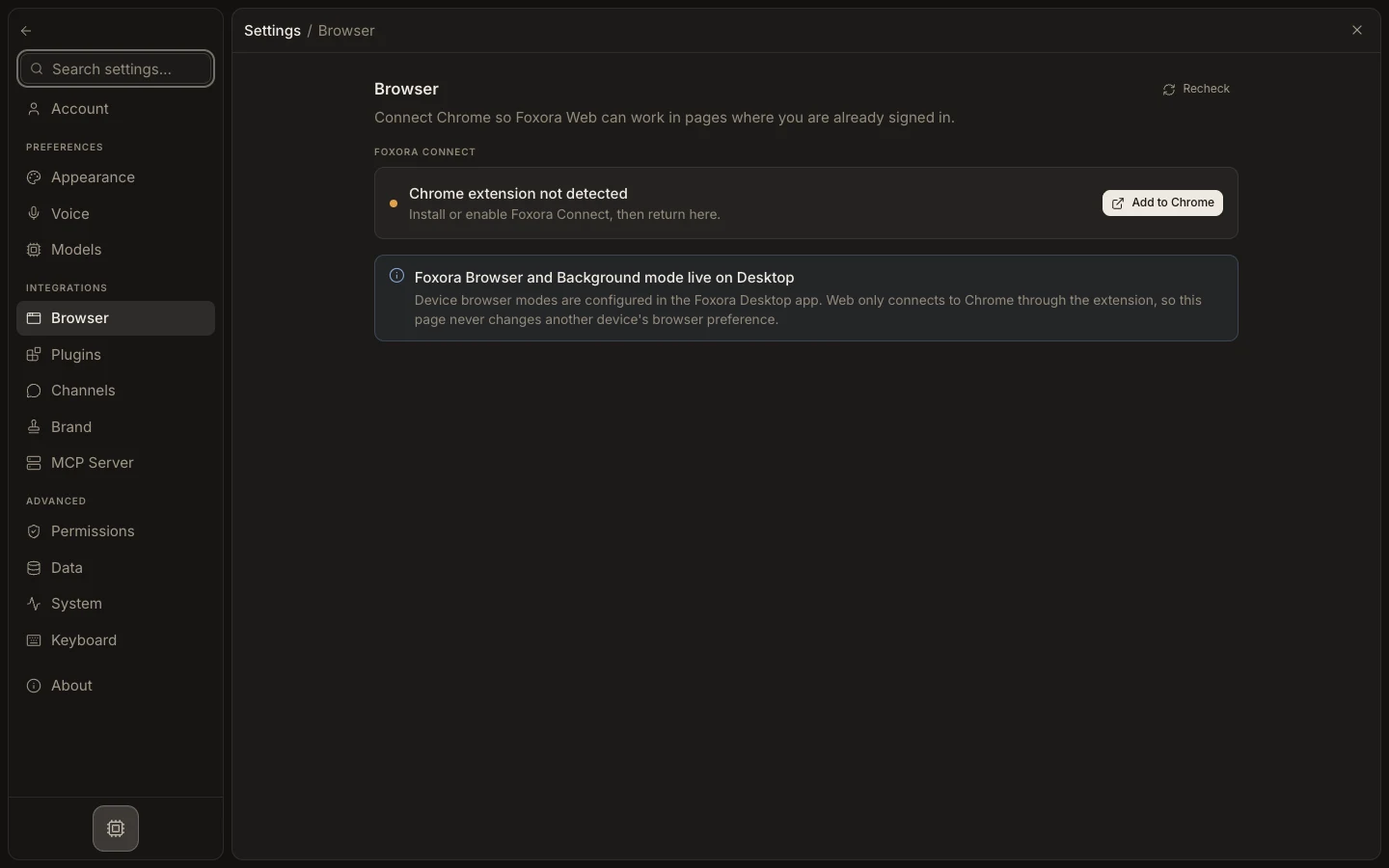
- Open Settings → Browser and leave Automatic selected for general work.
- Install and verify the optional Browser Pack for Foxora Browser or Background mode.
- Install Foxora Connect and approve access when using tabs already signed in to My Chrome.
- Use Recheck or the displayed status to confirm the selected path is ready.
Expected result
Settings shows a usable browser path and a task can open the configured session when needed.
Note: Foxora Web supports Foxora Connect only; managed and background device modes live on Desktop.