
Browser operating modes
Desktop offers Automatic, Foxora Browser, My Chrome, and Background modes, each with a different profile, visibility, and setup boundary.
On this page2
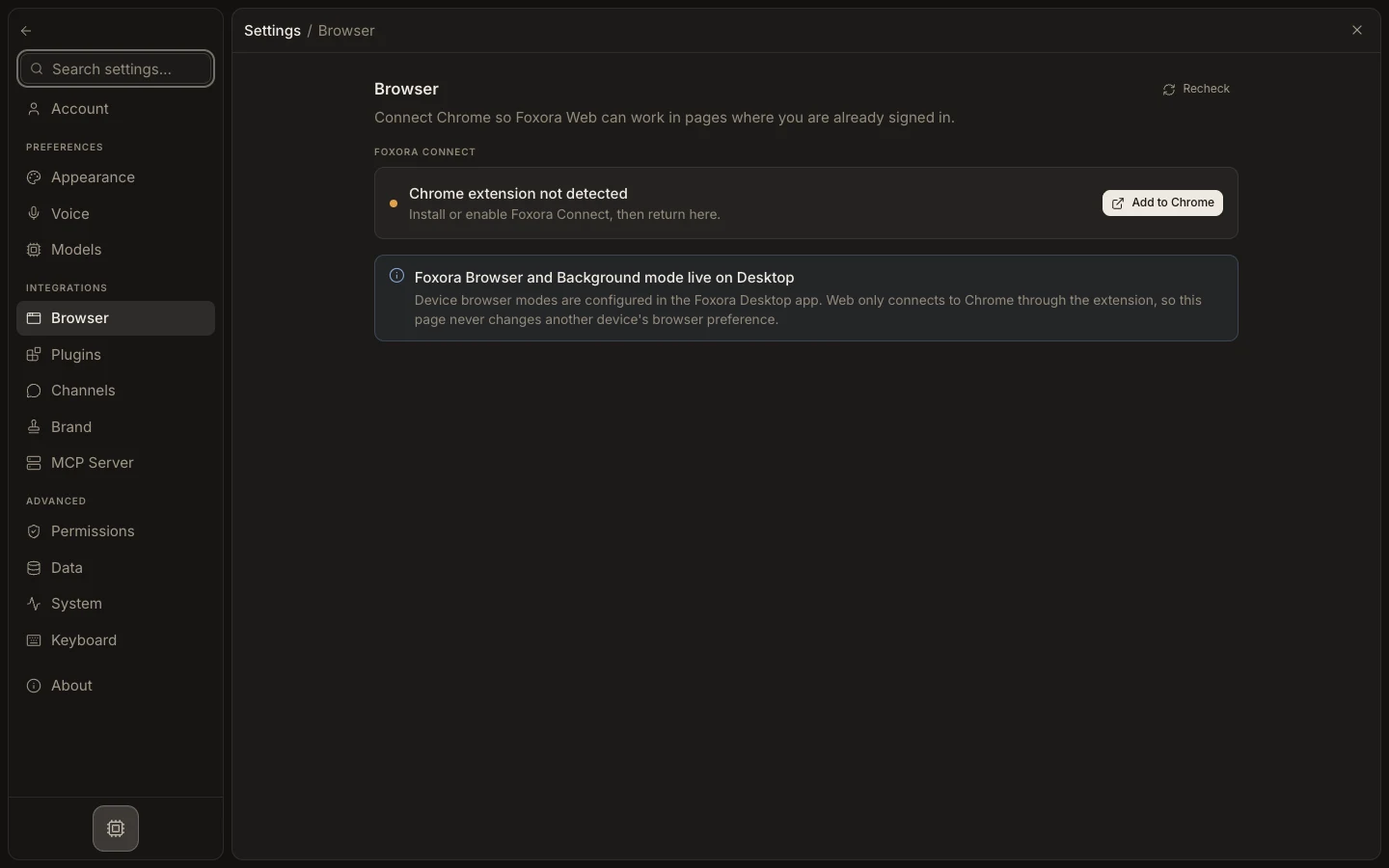
Steps
- Use Automatic for browserless reading first, Foxora Connect for signed-in sites, and Playwright only when needed.
- Use Foxora Browser for a separate managed Chrome profile.
- Use My Chrome for approved tabs and accounts already open in Chrome.
- Use Background for unattended Browser Pack work that should not open a window.
Expected result
Browser work follows the selected per-device mode and uses only its configured profile or approved session.
Note: Foxora Browser and Background require the optional Browser Pack; My Chrome requires Foxora Connect.