
Sending your first request
A strong first request names the outcome, relevant context, boundaries, and a check that proves the work is done.
On this page2
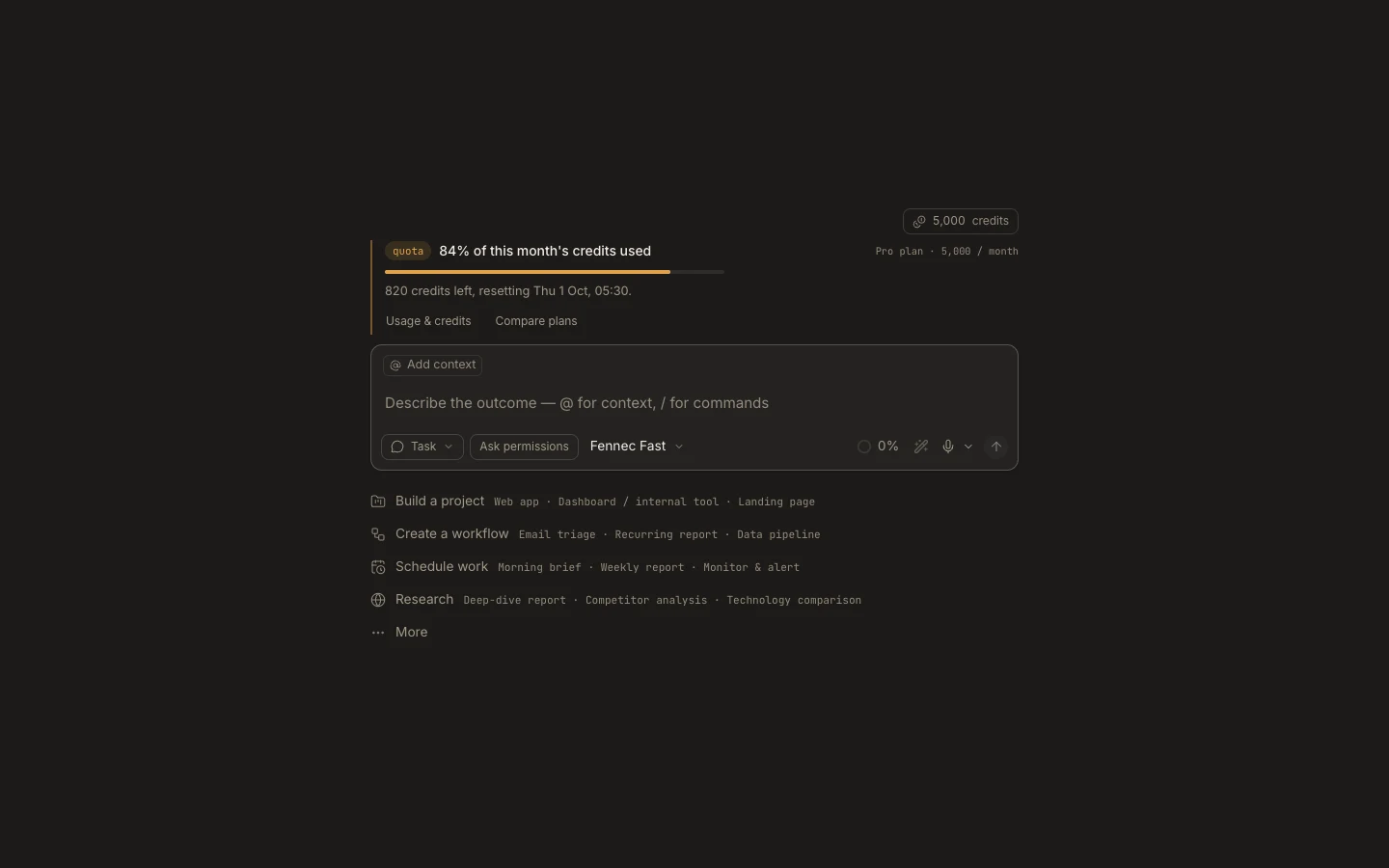
Steps
- Confirm the project, autonomy mode, and Fennec tier in the composer.
- Write the desired result first, then list target files or inputs.
- Add constraints such as “do not deploy” and state the test or visual check to run.
- Optionally use Enhance prompt, review its rewrite, and press Enter.
Expected result
Fennec starts a scoped run and reports actions and evidence in the same task.
Note: Use Shift+Enter for a new line. During a run, type a correction and choose Steer now instead of starting a duplicate task.