
Connecting an AI provider
A provider connection makes that account's supported models available to custom agent routes. It does not replace the managed Foxora gateway or add individual model names to the task composer.
On this page2
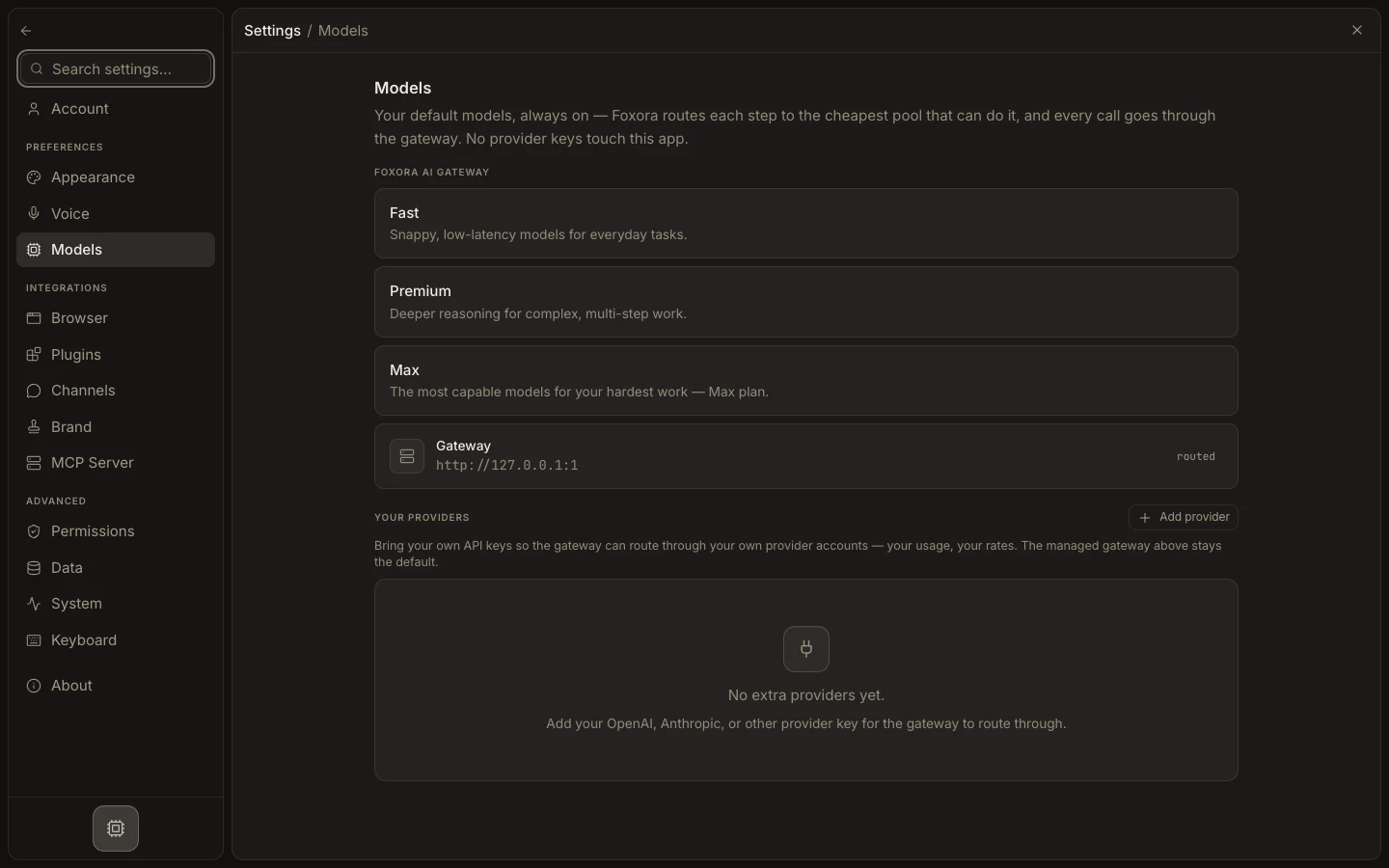
Connect a provider
- Open
Settings→Models. - Under
Your providers, selectAdd provider. - Choose an available provider and enter the required API key or fields.
- Select
Connectand confirm the provider appears in the connected list. - Open a custom agent's
Modelstab and check that its models appear underYour own model.
Expected result
The provider becomes a selectable source for an ordered custom-agent route. Managed Fennec tiers remain the default routing path.