
Choosing the appropriate autonomy mode
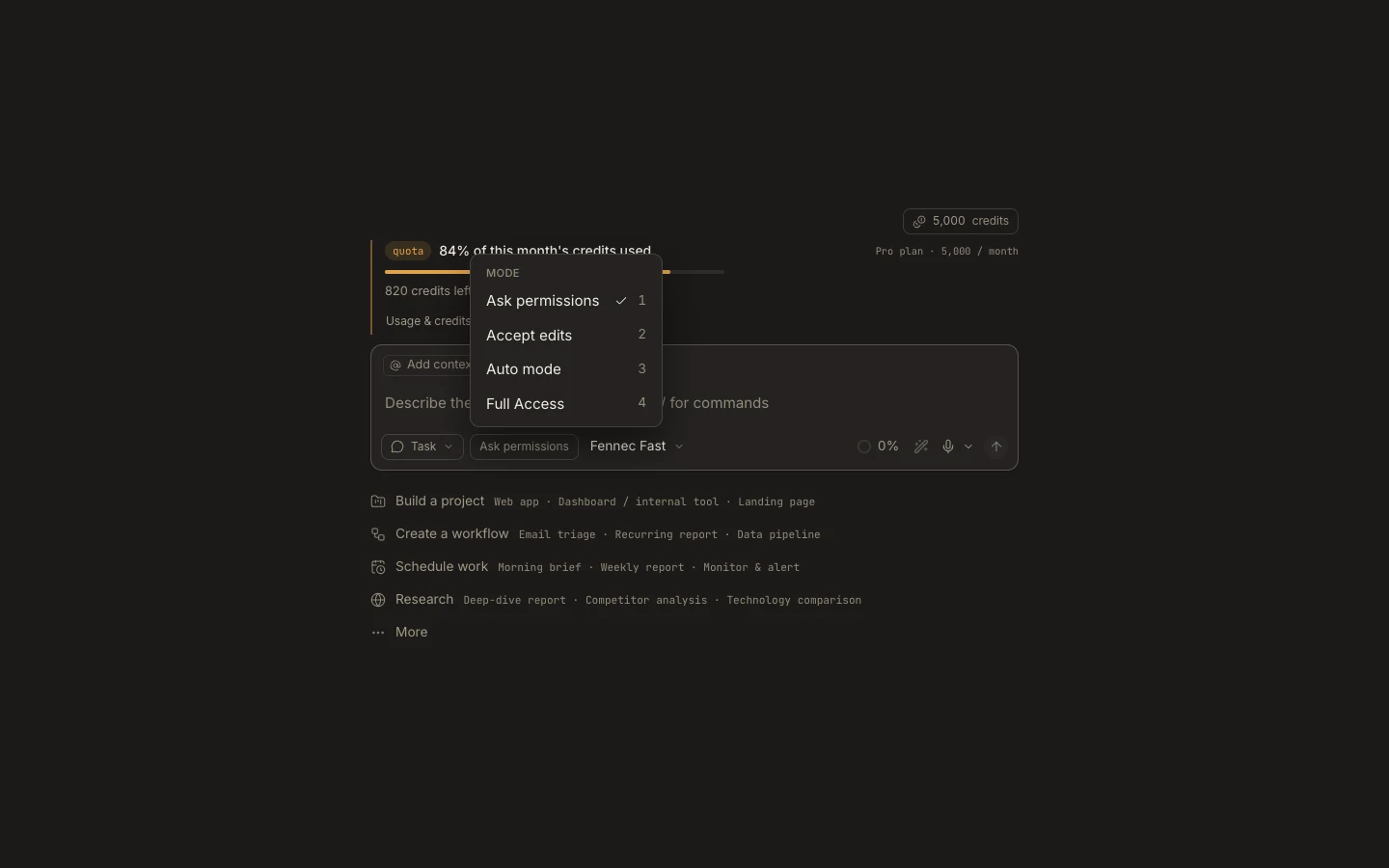
Choose the narrowest autonomy that lets the task proceed at the speed and review level the outcome requires.
On this page2
Steps
- Use Ask permissions for unfamiliar repositories, sensitive accounts, or destructive work.
- Use Accept edits when file changes are routine but commands and side effects need review.
- Use Auto for trusted, bounded work inside a verified workspace.
- Use Full Access only for necessary Desktop actions outside that boundary, then reduce authority.
Expected result
The task can move forward without receiving more authority than its scope needs.
Note: Autonomy is not a quality setting; Fennec tier controls reasoning depth, while permissions control allowed actions.