
Managing published skills
The managed Runtime catalog is authoritative. Studio can search and inspect published skills, but it does not provide row controls to edit or remove them.
On this page2
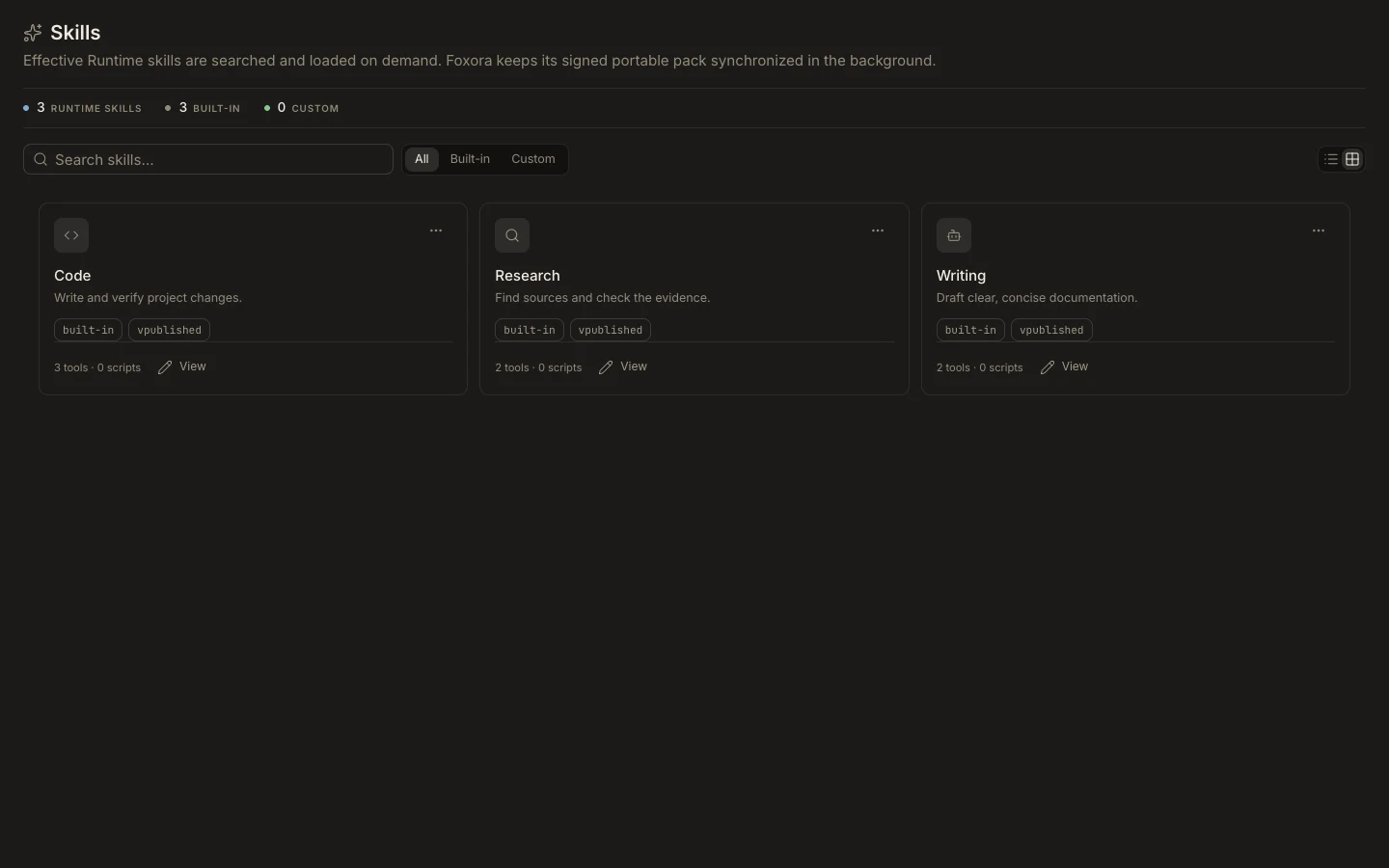
Review a catalog change
- Open
Studio→Skillsand find the affected card. - Open it and record its name, version, source, Identity, and listed Capabilities.
- Submit corrections or removal requests through the team or Runtime publication owner.
- Wait for the updated publication, then refresh the catalog.
- Retest agents that reference the changed skill on a fresh task.
Expected result
Studio reflects the authoritative publication and the card remains read-only. Removing a published skill does not remove its tools, plugins, or earlier task transcripts.