
Workflows overview
Workflows automate schedules or connected-app events by chaining agent, tool, condition, delay, approval, loop, and notification steps.
On this page2
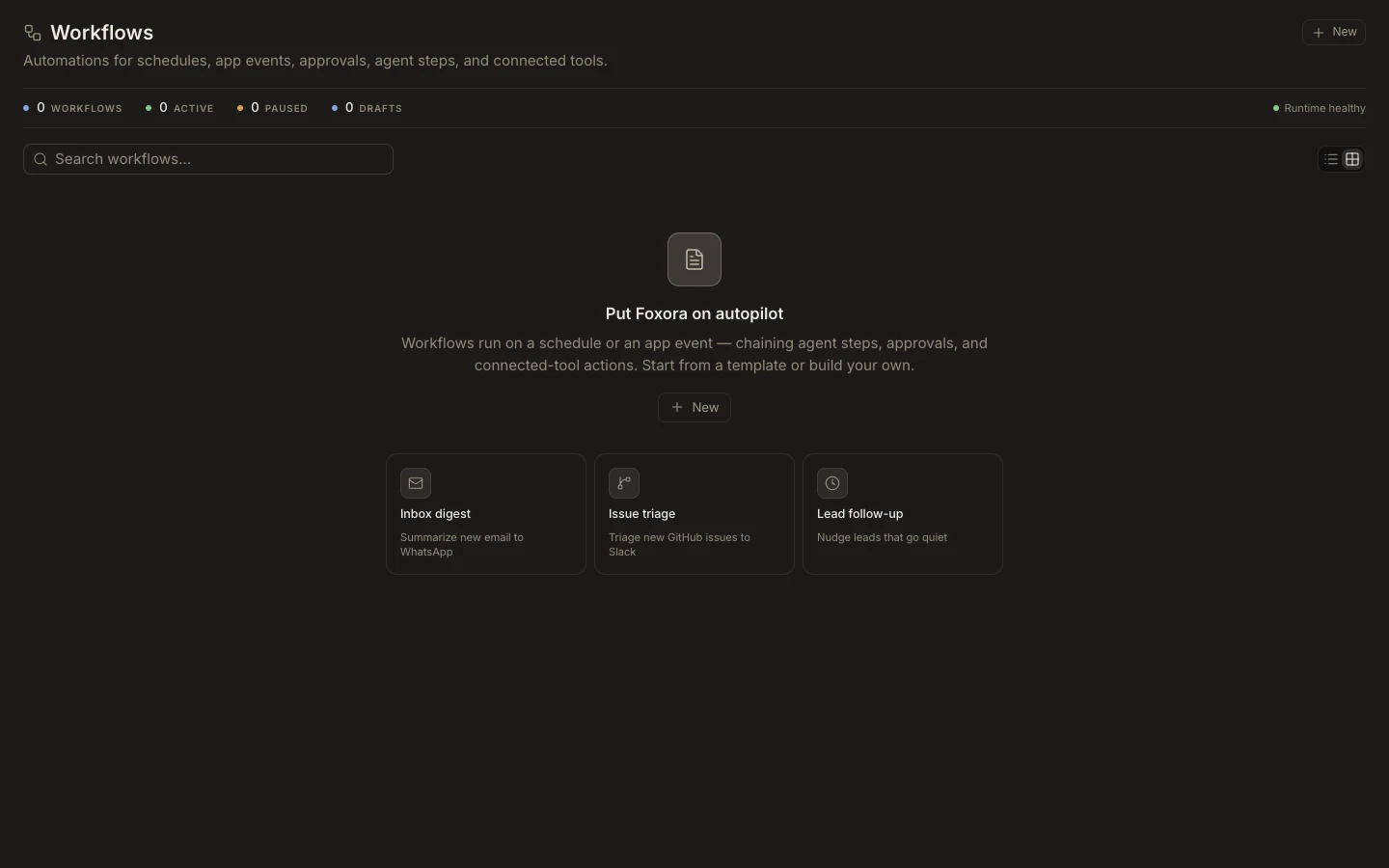
Review and run a workflow
- Open
Workflowsand search the live automation list. - Check whether each item is active, paused, or a draft.
- Open a workflow to review its trigger, ordered canvas, connections, and approval gates.
- Select
Test runwith safe data before publishing. - Use
Runsto inspect the execution and individual step states.
Expected result
A tested workflow produces the expected output in order and shows a durable run record. The health indicator distinguishes a healthy Runtime from missing schedules, drift, fallback protection, or synchronization failures. A saved draft does not run until it is published or resumed.