
Resetting your password
Request a secure reset link from Foxora, set a new password, and then review active devices for unexpected access.
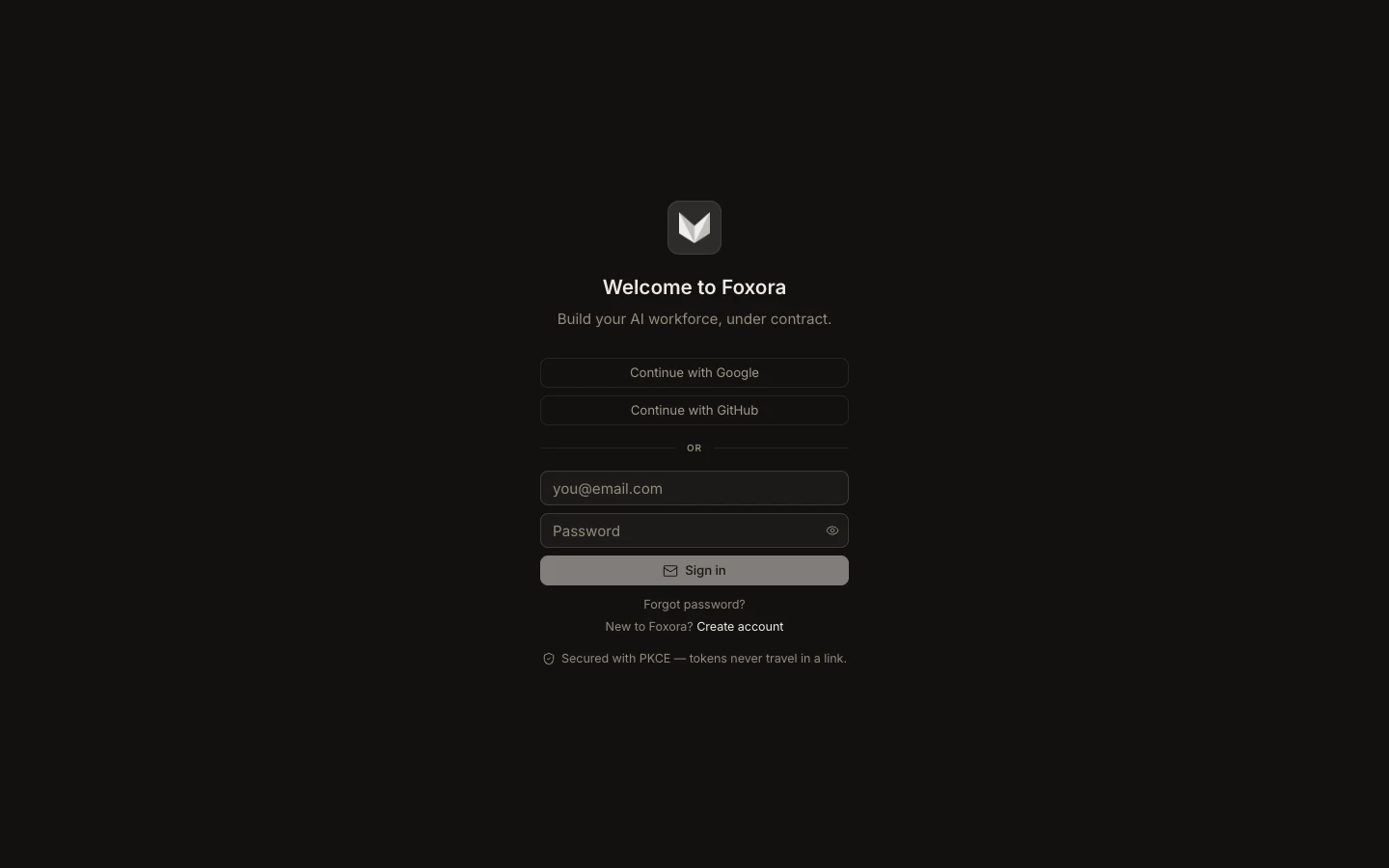
- On the sign-in screen, choose Forgot password?
- Enter the account email and submit the request.
- Open the newest reset message; older links may no longer be valid.
- On the hosted reset page, enter and confirm a password with at least eight characters.
- Sign in again, then open Security & sessions and revoke any device you do not recognize.
If you normally use Google or GitHub, continue with that provider instead of creating a separate password unless the account page specifically offers the change.
Expected result: the new password signs in successfully and the Devices list contains only trusted sessions.