
Overview
Computer Use lets Foxora interact with supported desktop applications when browser, file, or command tools cannot complete the visible workflow directly.
On this page2
Steps
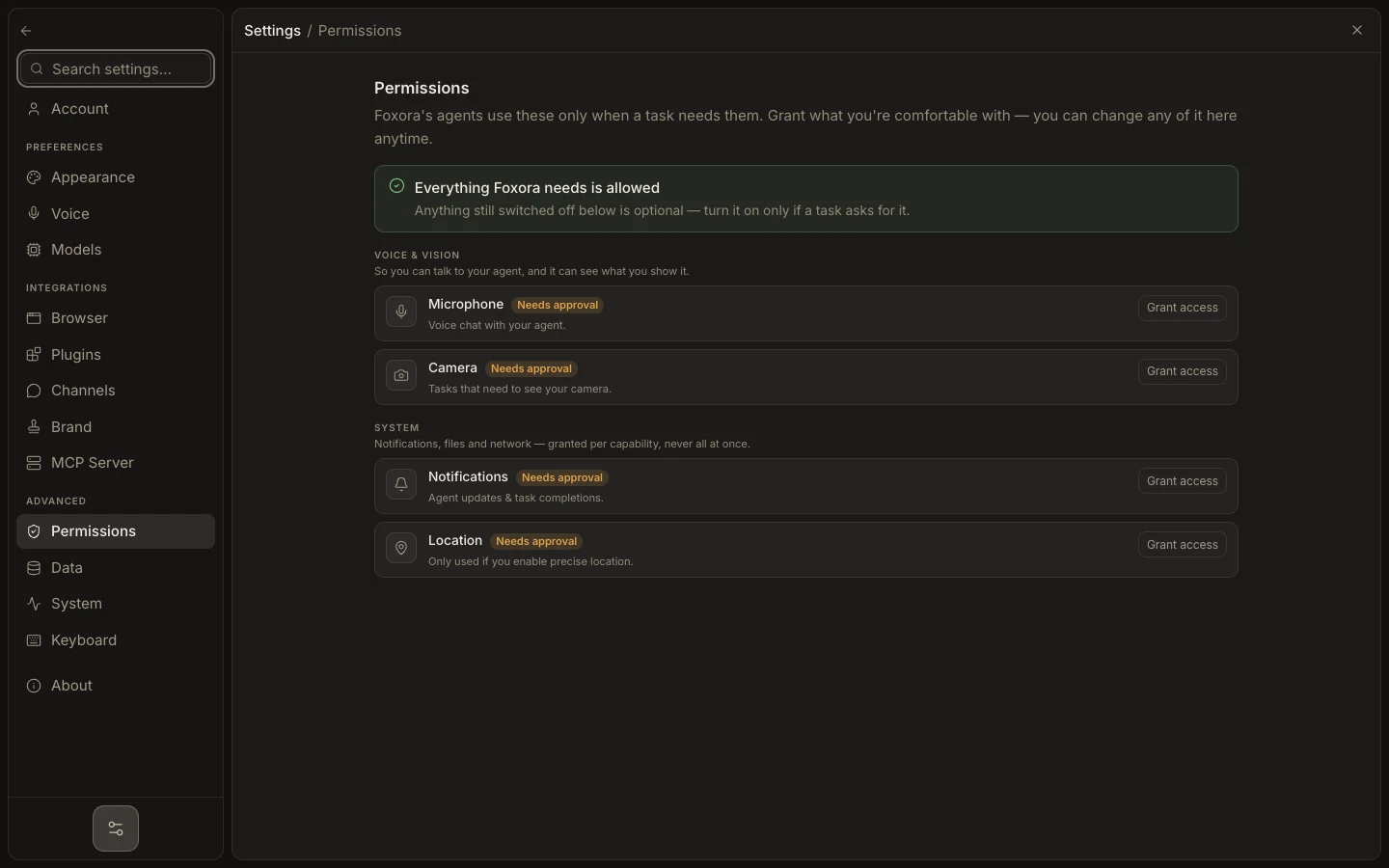
- Open Settings → Permissions and enable only the supported computer capabilities you need.
- Prepare the target application and hide unrelated sensitive windows.
- Start a task with the application, exact actions, and stop condition.
- Monitor inline computer actions and verify the final state yourself.
Expected result
Foxora completes a bounded visible interaction while the task retains its activity and screenshot evidence.
Note: Prefer structured browser, file, or terminal tools when they can perform the same work more reliably.