
Introduction to Foxora
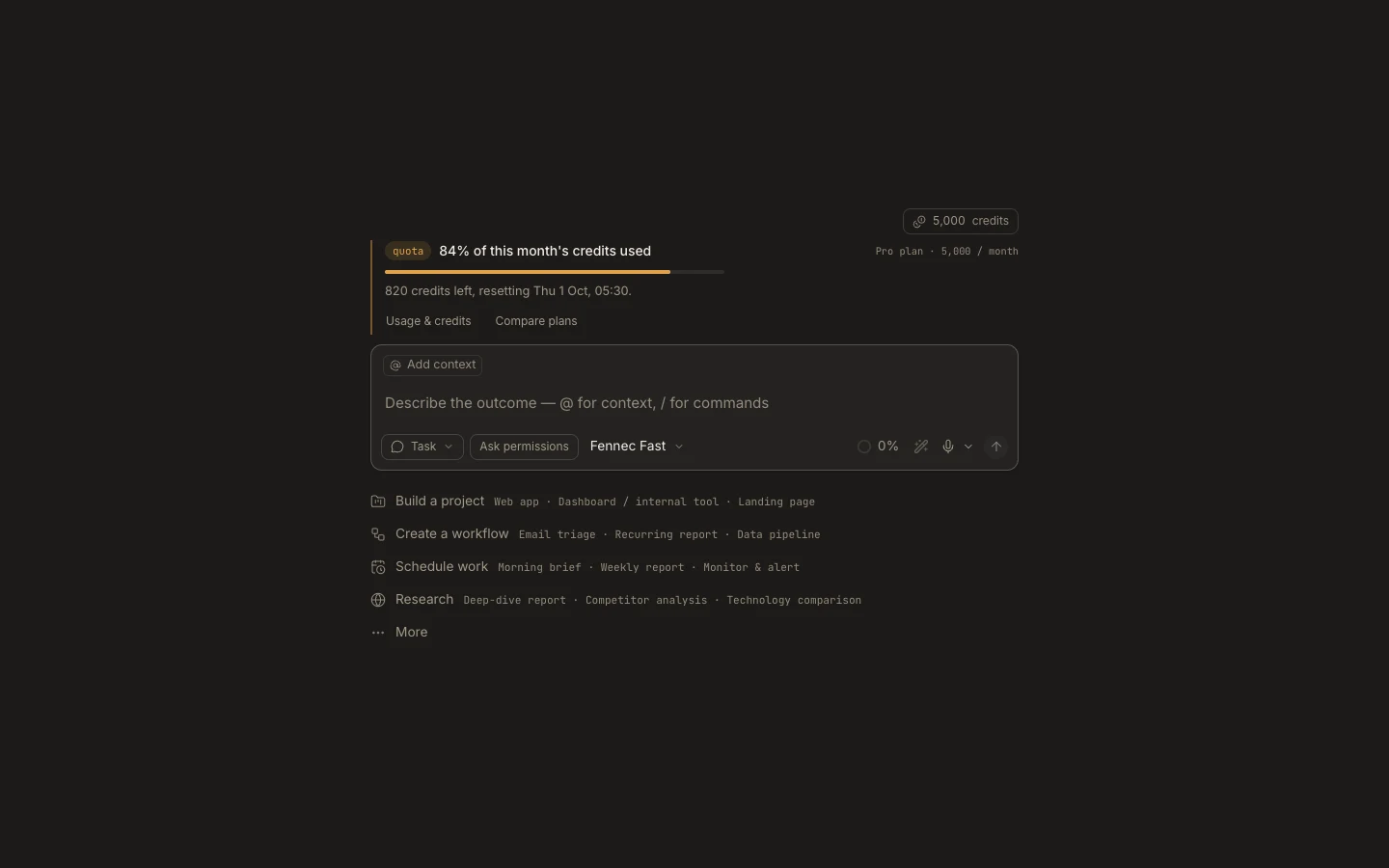
Foxora turns an outcome into a persistent task where Fennec can inspect context, use tools, produce files, and report verifiable results.
On this page2
Steps
- Start a task and choose This computer or Cloud when Desktop offers that choice.
- Attach a project when the outcome depends on existing files; otherwise use the private task workspace.
- Describe the result you want, important constraints, and how success should be checked.
- Follow the transcript and open generated work in Stage or Files before accepting it.
Expected result
You get one durable task containing your request, tool activity, approvals, artifacts, and final result.
Note: Fennec Fast is the default. Select Pro or Max when the work needs deeper reasoning rather than simply being longer.