
Permission requests
Computer Use requires both operating-system access and Foxora’s device capability toggle before screenshots or input can run.
On this page2
Steps
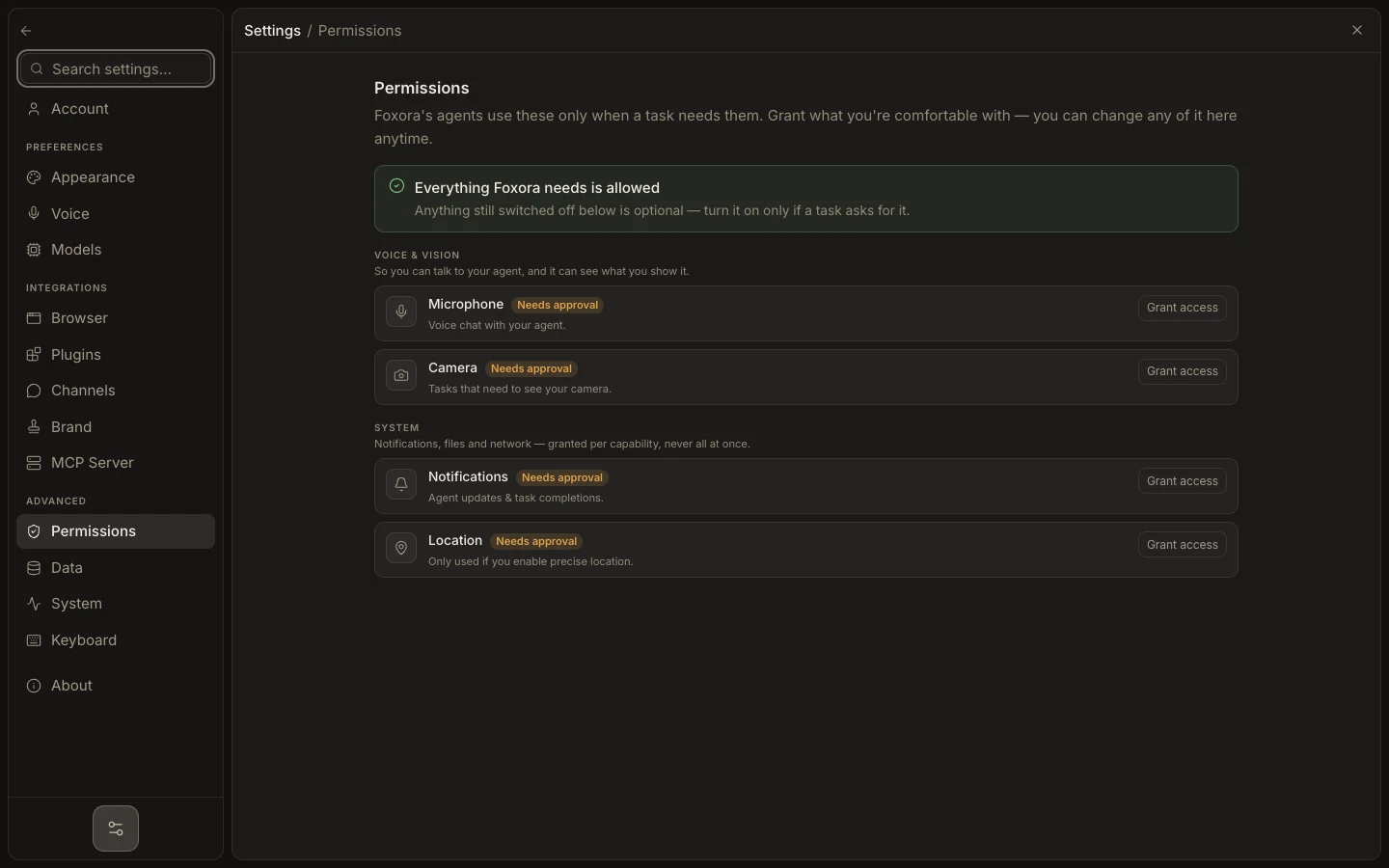
- Open Settings → Permissions and locate the required capability.
- Use Grant access or open the operating system’s settings.
- On macOS, allow Screen Recording for screenshots and Accessibility for pointer or keyboard control.
- Return to Foxora, enable the supported capability, and retry the smallest action.
Expected result
Foxora reports the capability as available and the task can perform the approved screenshot or input action.
Note: Microphone is separate, and Full Disk access is optional; grant only what the task actually requires.