
Create a scheduled task
Start from the Schedule composer, then review the generated workflow before enabling recurring work.
On this page2
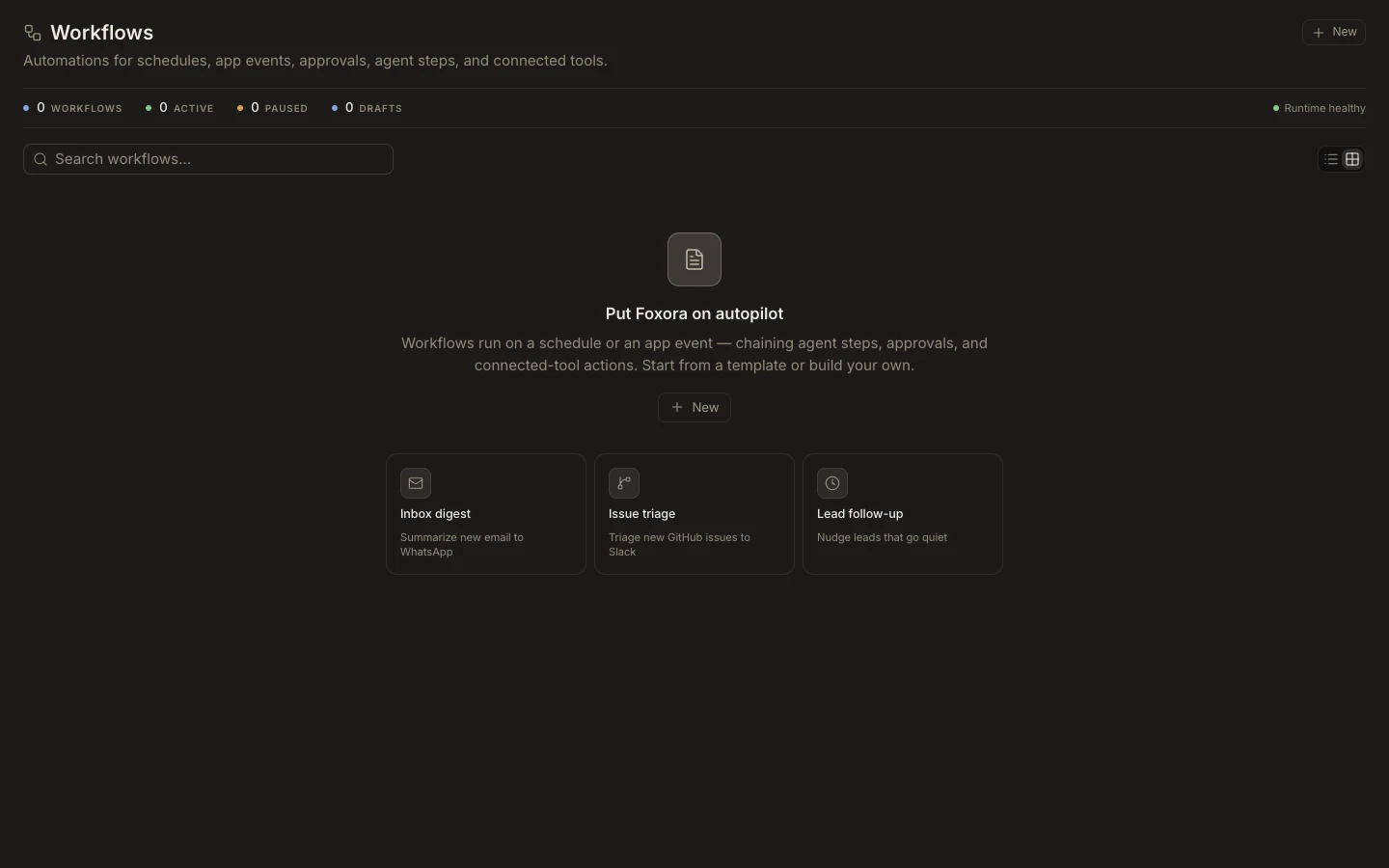
Create the schedule
- Open
Newand chooseSchedule, or openSchedulesand selectNew. - Describe one outcome, its cadence, time zone, required context, and expected output.
- Choose the intended Fennec mode or live crew and the narrowest safe permission mode.
- Send the request, then review the workflow trigger, steps, connected apps, and approvals.
- Run a safe test before publishing or activating it.
Expected result
A schedule appears with an assignee and readable recurrence, and its workflow can be opened from View. The next execution should not be trusted until one manual test produces the expected output without hidden approvals or missing connections.