
Changing autonomy during a task
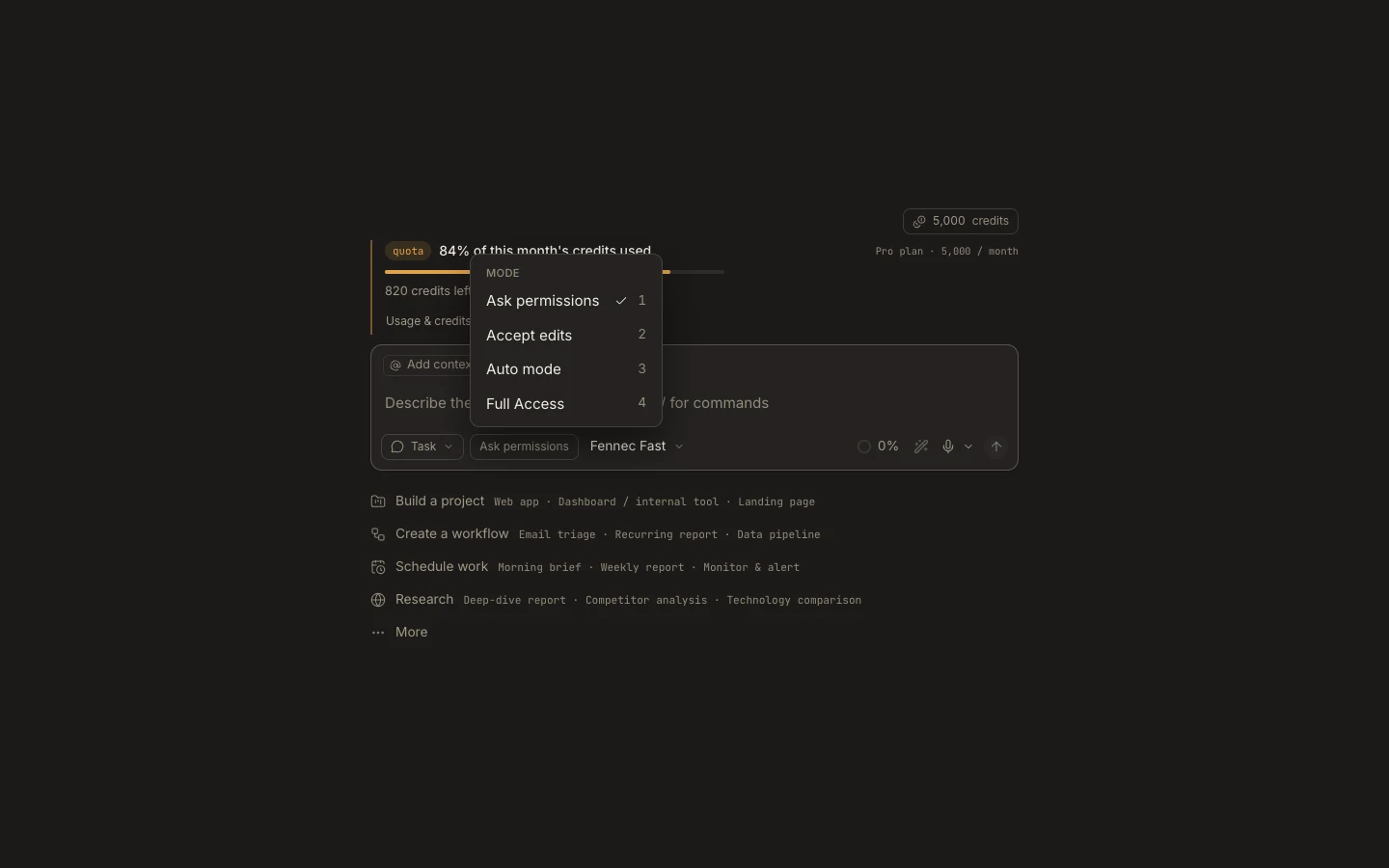
You can change a task’s autonomy from the composer when its risk or review needs change, and the selection is saved with that task.
On this page2
Steps
- Pause or finish the current sensitive step before changing authority.
- Open the autonomy chip and select Ask permissions, Accept edits, Auto mode, or Full Access.
- Complete any device capability prompt required for Full Access.
- Send the next instruction and confirm the new mode appears on the composer.
Expected result
Subsequent supported actions use the newly selected approval behavior in the same task.
Note: Changing mode does not retroactively approve a pending card; decide or deny that action explicitly.