
Overview
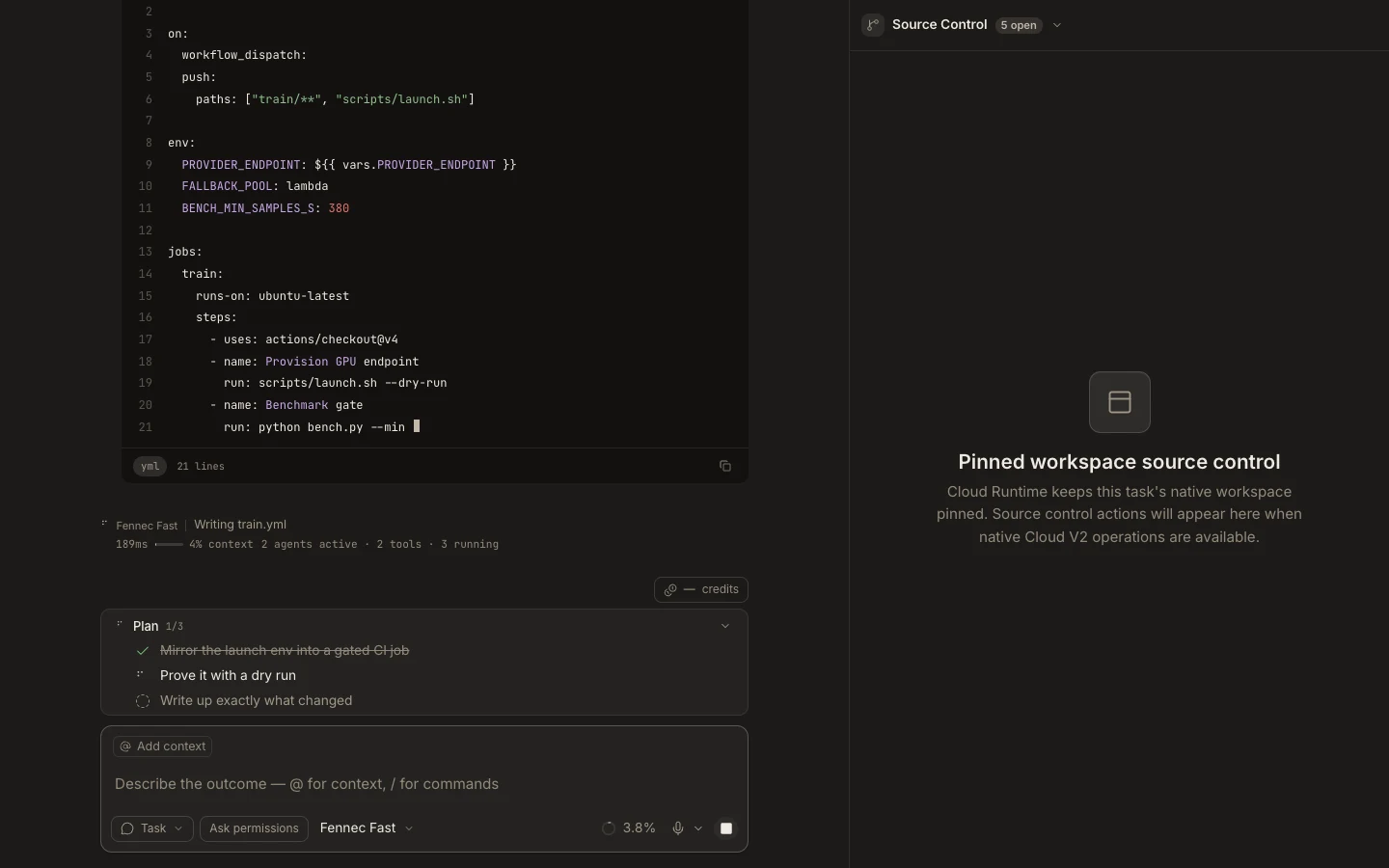
Foxora displays branch and change status, but current Git staging, commits, and conflict work are performed through Terminal or an explicit task.
On this page2
Steps
- Open the Git project and check its branch and change count.
- Open Terminal and run git status before asking Fennec to modify files.
- Review git diff and the project’s tests after the task finishes.
- Stage and commit only the paths you have verified.
Expected result
Repository changes remain visible through standard Git commands and can be attributed to the intended task.
Note: The Stage Source Control surface currently contains a status placeholder; it does not provide clickable stage or commit controls.