
Publish and manage workflows
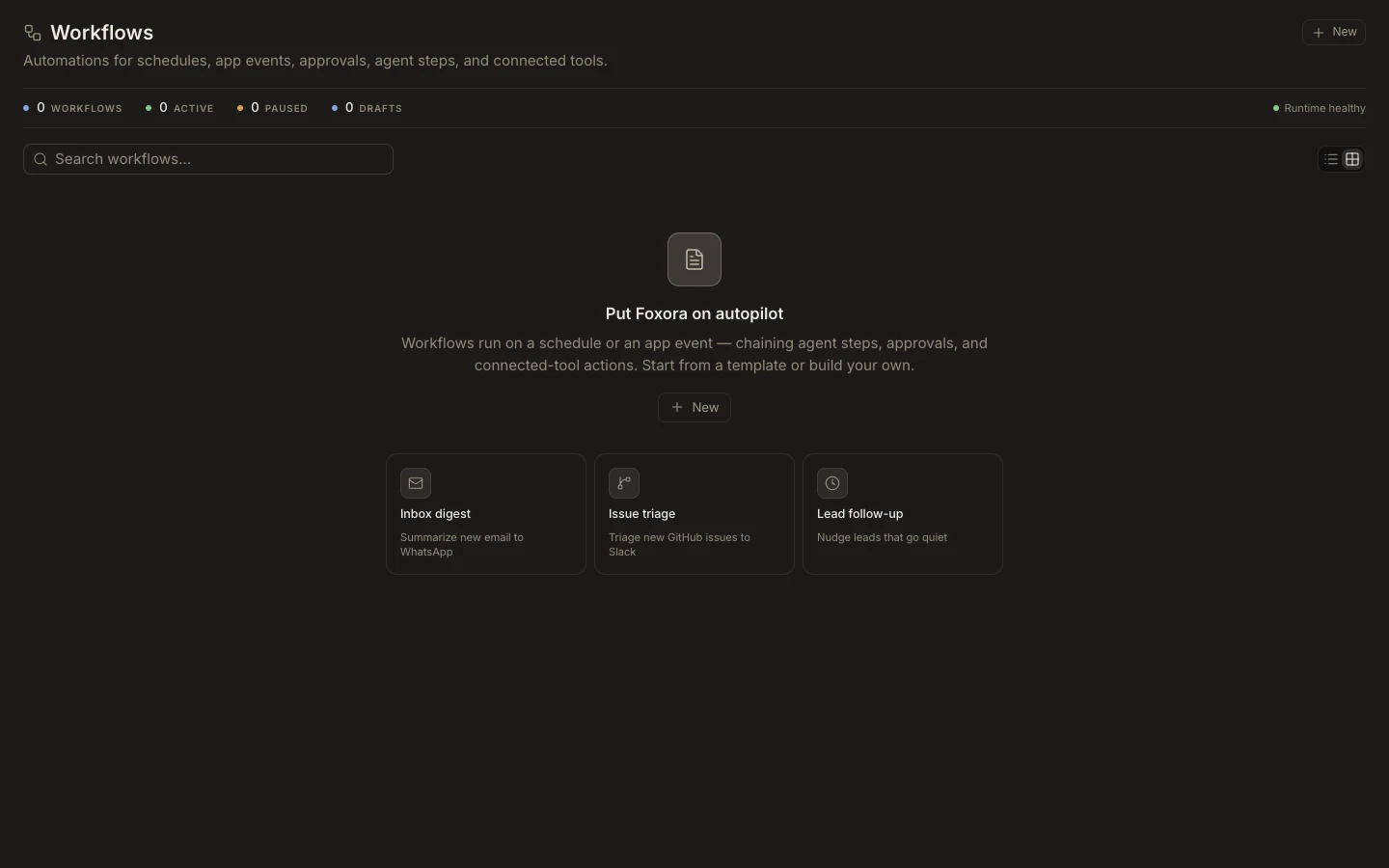
Workflow lifecycle controls distinguish editable drafts from active and paused automations.
On this page2
Manage the lifecycle
- Open a workflow and review its current draft, active, or paused status.
- Use
Save draftorSave changeswhile configuration is still being reviewed. - Select
Test runand inspect the resulting steps and external effects. - Publish the workflow only after required plugins and inputs are valid.
- Pause, resume, or
Deletefrom the editor when operational needs change.
Expected result
The library shows the correct lifecycle state and the Runtime health indicator remains current. Pausing prevents new trigger starts but does not undo completed effects. Deleting removes the automation configuration; keep any required run evidence before confirming deletion.