
Selecting models
The task composer is Fennec-only: it shows built-in Fennec tiers and eligible saved Agent crews, not a flat catalog of provider model names.
On this page2
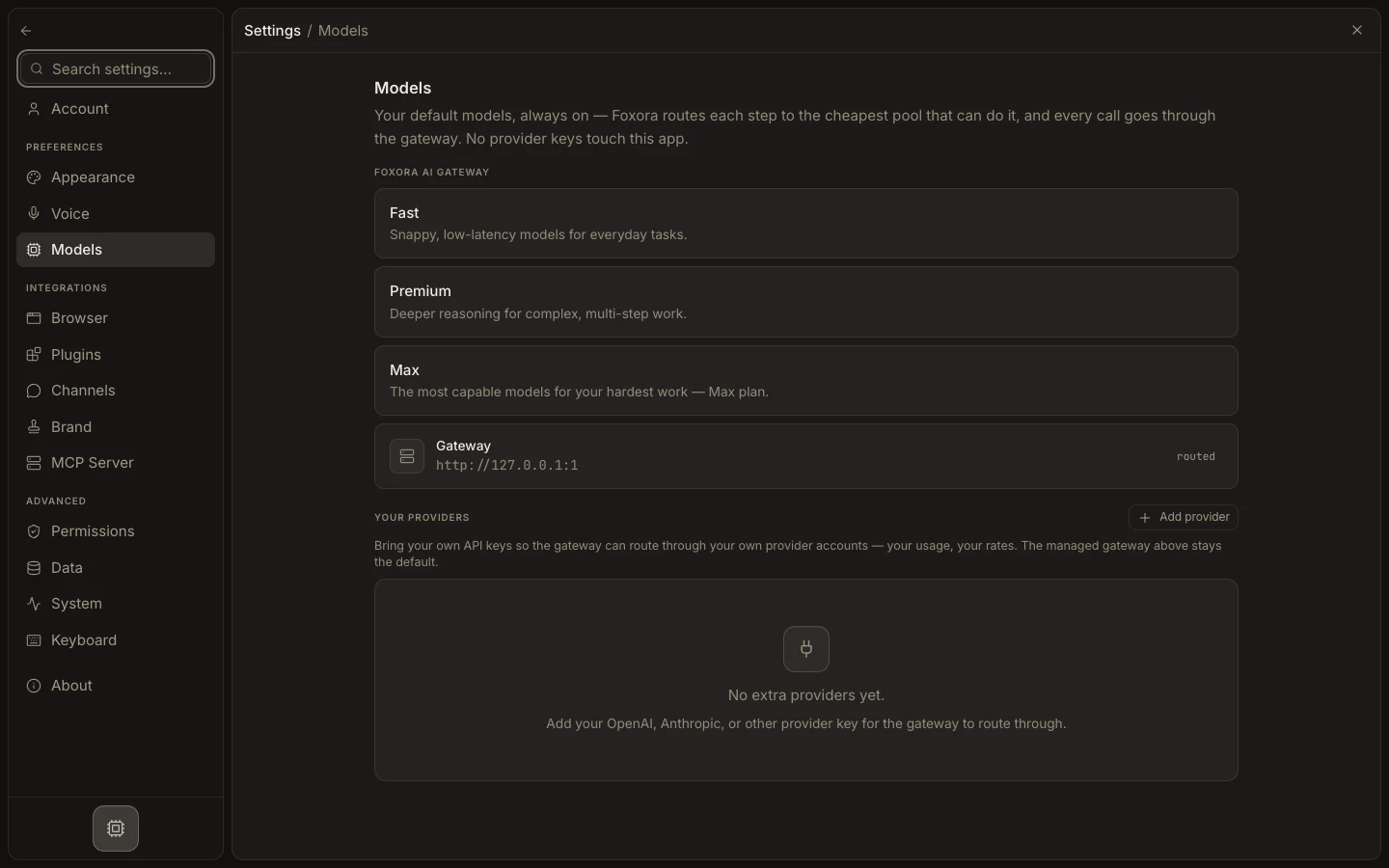
Select the right route
- Open a task and select the Fennec picker beside the composer.
- Choose
Fennec Fast,Fennec Pro,Fennec Max, or an eligible saved Agent crew. - If a tier is locked, review the displayed plan requirement rather than starting a run.
- Send the task and verify the chosen route in the conversation surface.
- To pin provider models, edit a custom agent's
Modelstab and buildYour intelligence route.
Expected result
The task runs through the selected Fennec or custom crew, and raw model selection stays inside the agent configuration that owns it.