
Transcripts and conversation history
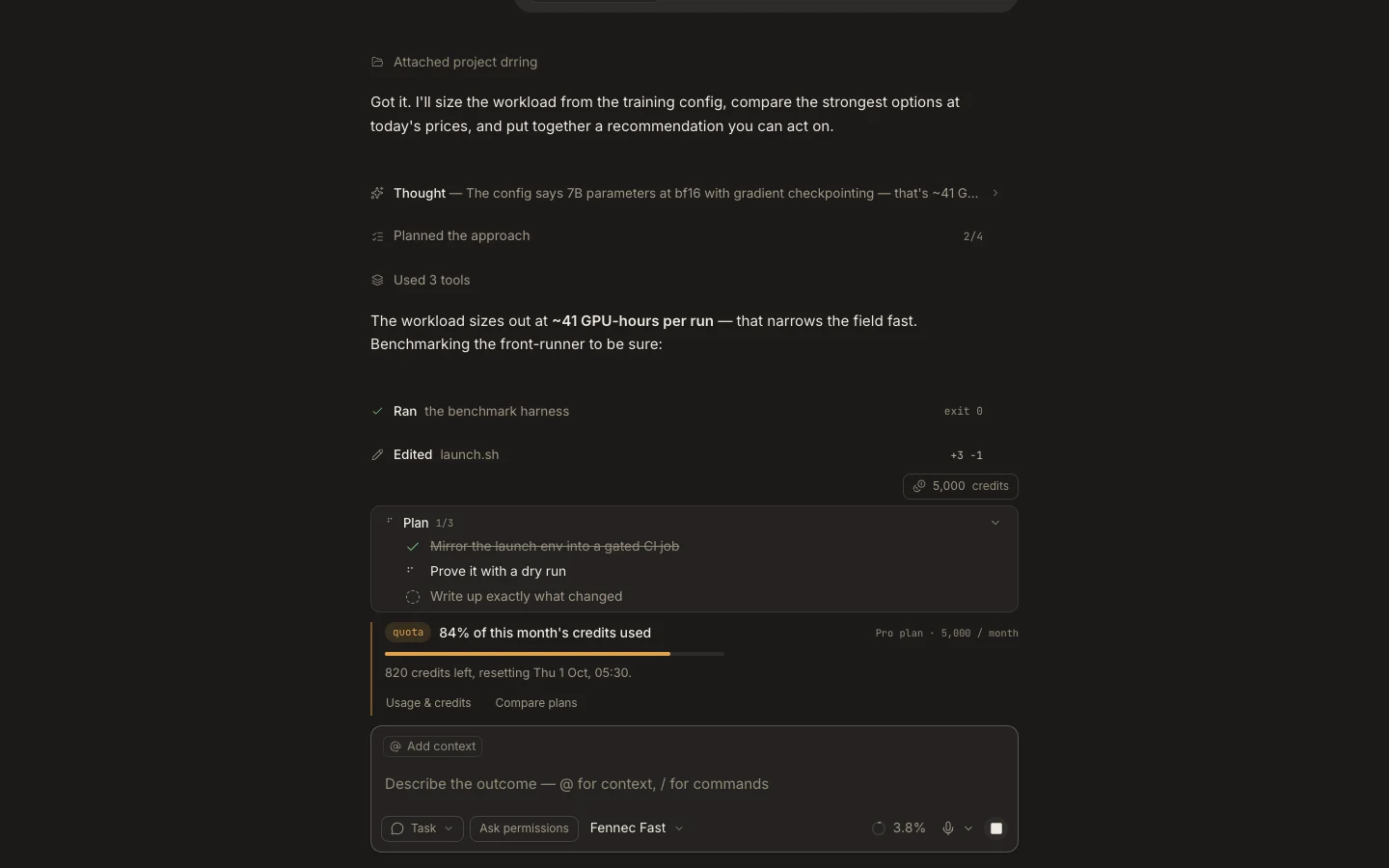
The transcript keeps user messages, Fennec responses, tool receipts, approvals, generated work, and status together for later review.
On this page2
Steps
- Reopen a task from Tasks to restore its settled transcript.
- Expand a compact tool or activity row when you need the supporting detail.
- Open linked files or artifacts to verify the result against the project.
- Send a follow-up that cites the exact prior decision or file you want to continue.
Expected result
You can resume the outcome with its evidence intact instead of reconstructing the work from memory.
Note: Draft text and attachments are retained per task, but important requirements should still be recorded in a sent message.