
Test and manage crews
Crew testing happens through its real deployment surface, not a separate simulated test button.
On this page2
Verify and maintain a crew
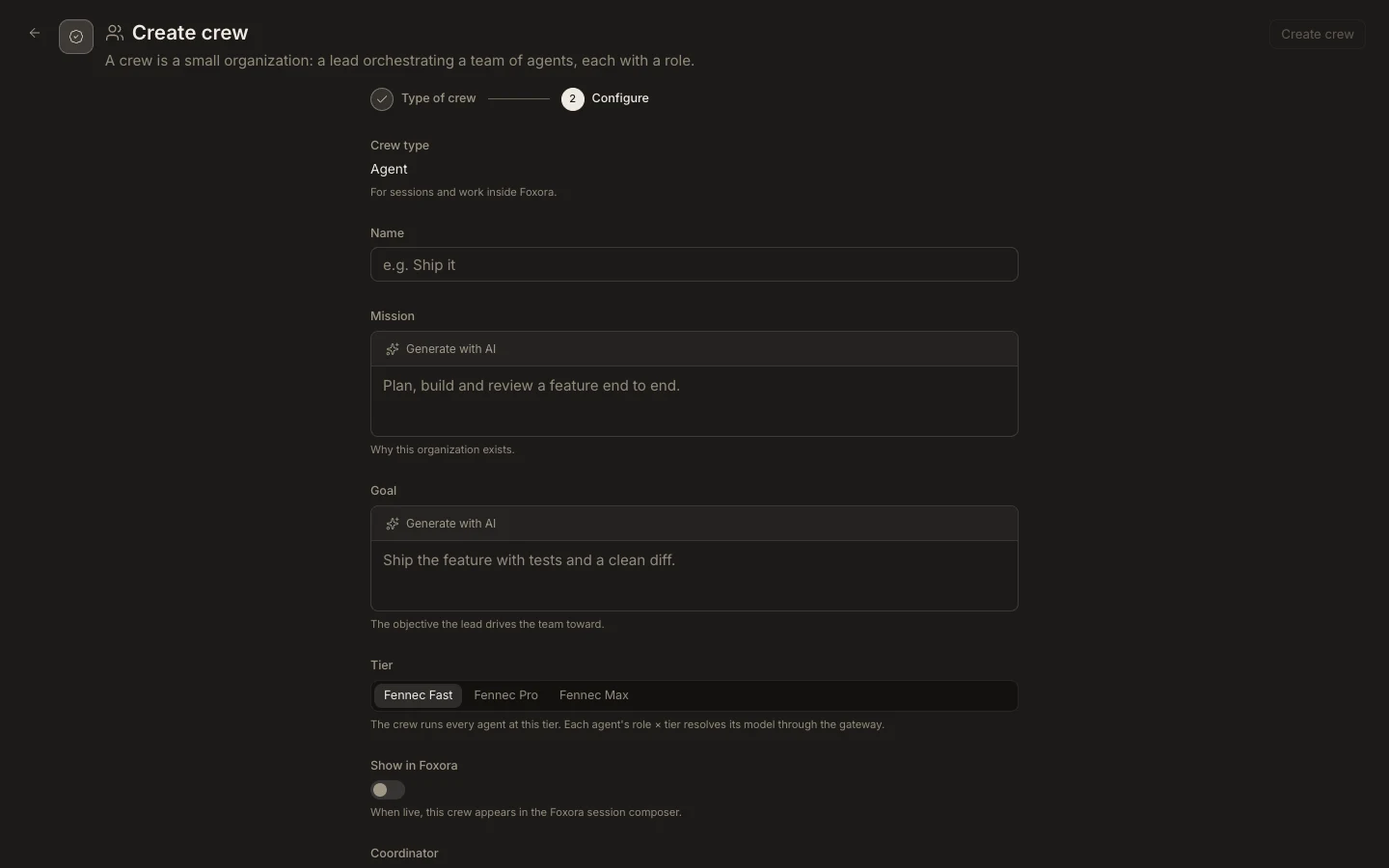
- Save an Agent crew and enable
Show in Foxora. - Start a small task with that crew and confirm at least one expected delegation.
- For Voice or Chatbot crews, connect the intended channel or embed only after the team is valid.
- Return to
Crewsto adjust mission, goal, tier, members, or member roles, then save again. - Delete a custom crew only after moving tasks, channels, or embeds that still depend on it.
Expected result
The deployed surface uses the current roster and the final output satisfies the crew goal. Built-in crews remain view-only and follow Foxora’s active publication.