
Managing a subscription
Change a subscription from the hosted account dashboard and verify the effective plan after checkout or confirmation.
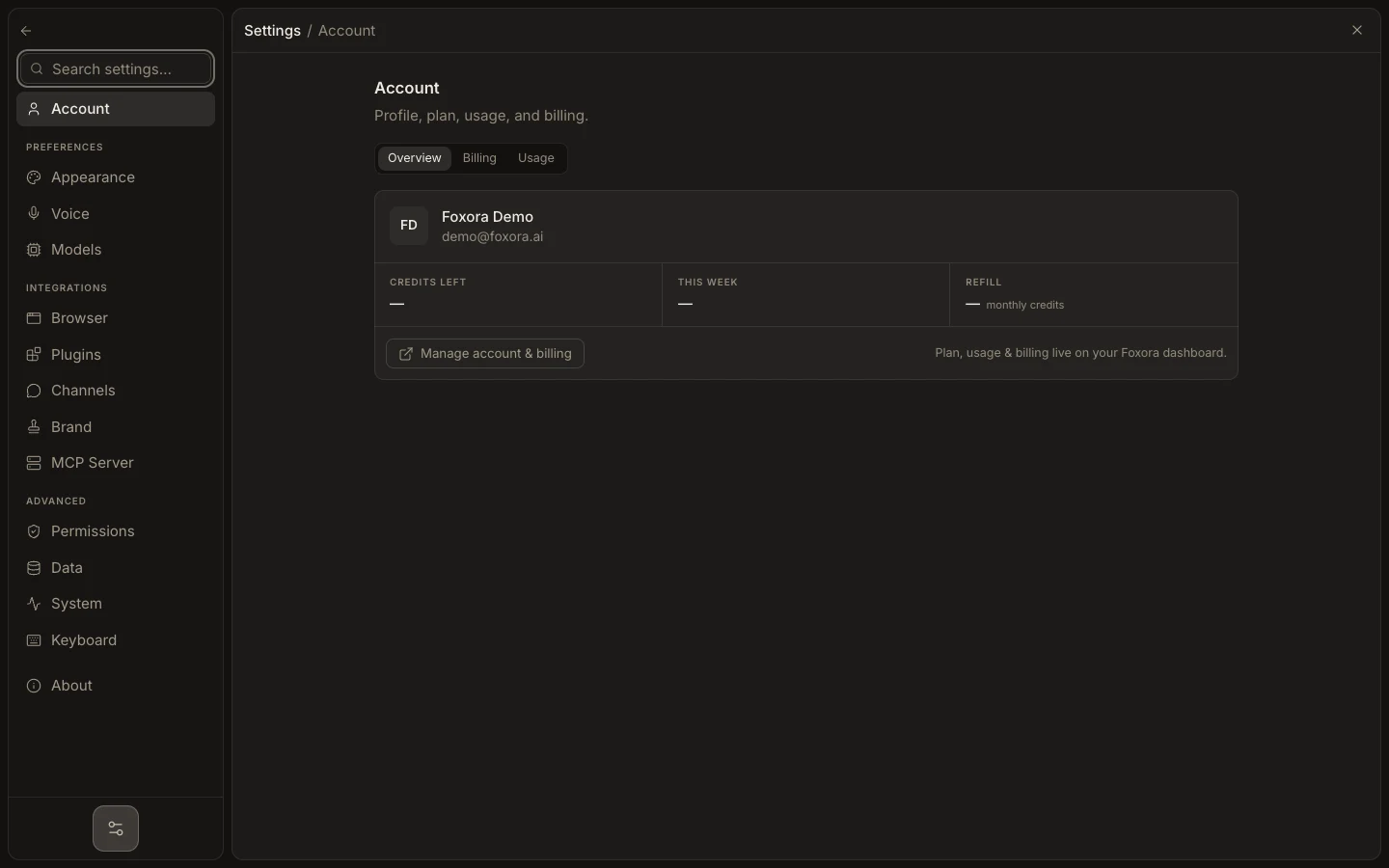
- Open account.foxora.ai and choose Plans & billing.
- Confirm the current plan and choose monthly or annual billing.
- Select the intended plan and review whether the action is an upgrade or downgrade.
- Complete the secure checkout or plan-change confirmation.
- Return to Plans & billing and refresh until the intended plan is marked Current.
Use Manage billing for payment-method, invoice, and cancellation controls handled by the billing portal. If checkout completed but the dashboard is stale, reload before repeating the purchase; the account page reconciles subscription state.
Expected result: one plan is marked current and its cadence, usage allowance, and billing state match the completed confirmation.