
Running commands
Run commands only after confirming the terminal’s workspace, expected effect, and success signal.
On this page2
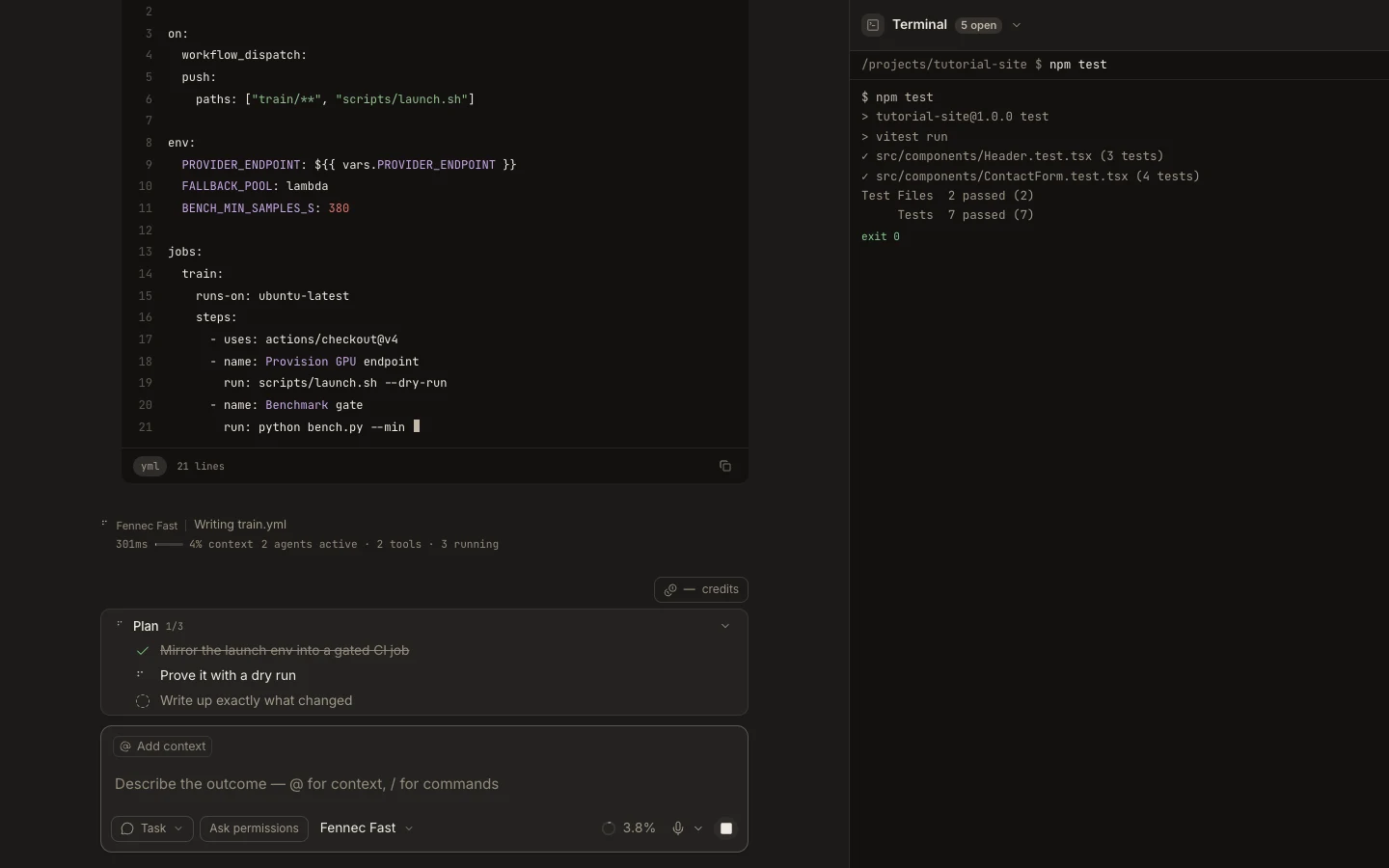
Steps
- Open Terminal and verify the current directory.
- Enter the exact command, avoiding broad globs or destructive defaults.
- Read the complete exit output and note any warning or nonzero status.
- Confirm the resulting file, test, or service state outside the command itself.
Expected result
The command changes only the intended scope and produces a concrete result you can verify.
Note: Agent-issued commands follow the task’s autonomy rules; commands you type directly are your own terminal actions.