
Managing connected channels
Use the Channels list to inspect an installation, update safe settings without re-entering unchanged secrets, or remove a provider route you no longer use.
On this page2
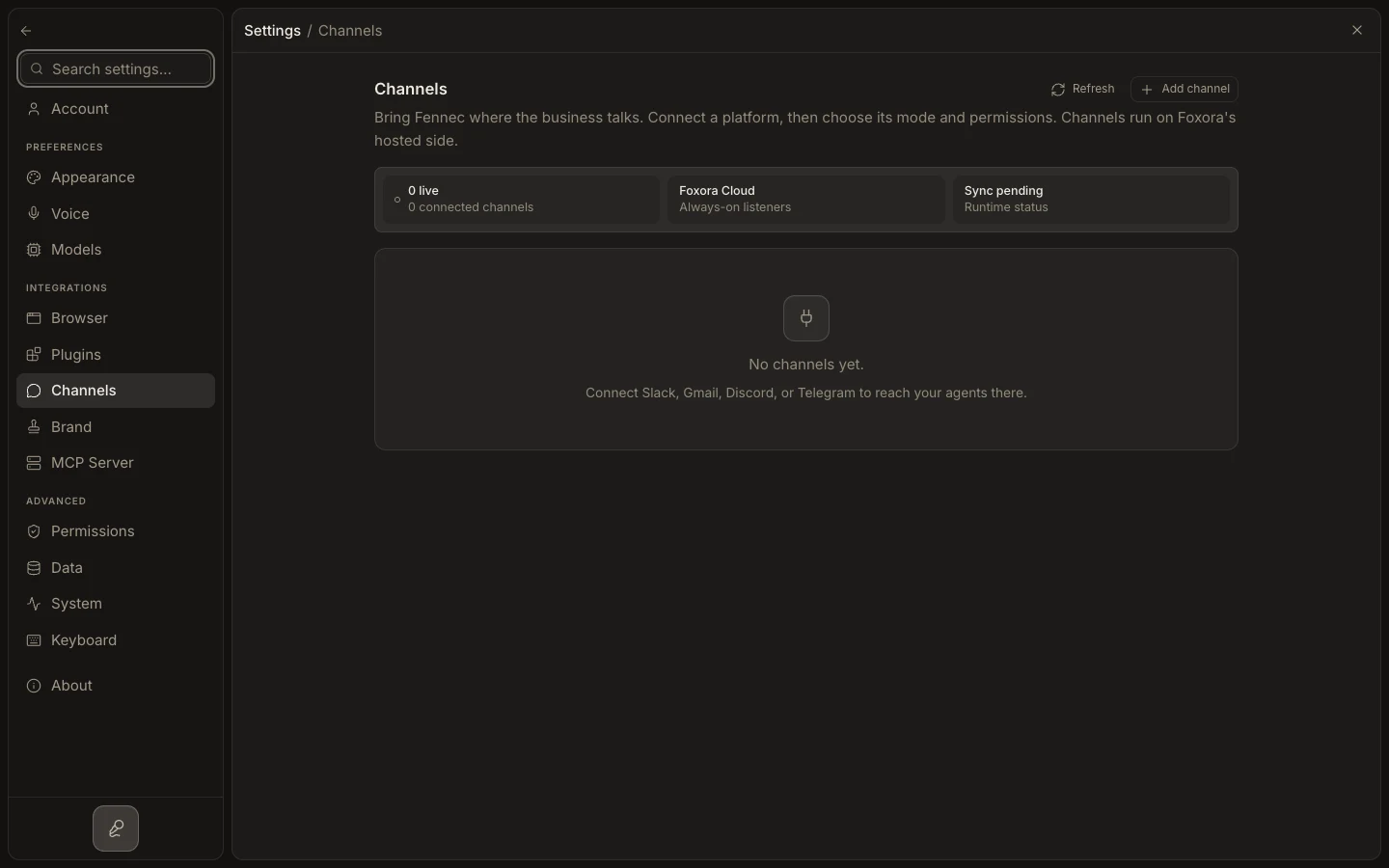
Update or remove a channel
- Open
Settings→Channelsand find the installation. - Select
Edit channelto review the account, credentials,Fennec mode, and advanced controls. - Leave a masked secret field blank to keep its saved value, or enter a replacement.
- Select
Update channel, then test a real inbound message. - Use
Remove channelwhen the installation should be disconnected; confirm provider-side webhooks are also retired if applicable.
Expected result
Updated routing is used for new messages, or the removed installation disappears and no longer receives work through Foxora.