
Schedules overview
Schedules are time-based automations and recurring workflow runs. They are authored through the task composer and workflow canvas, not as a separate editable task record.
On this page2
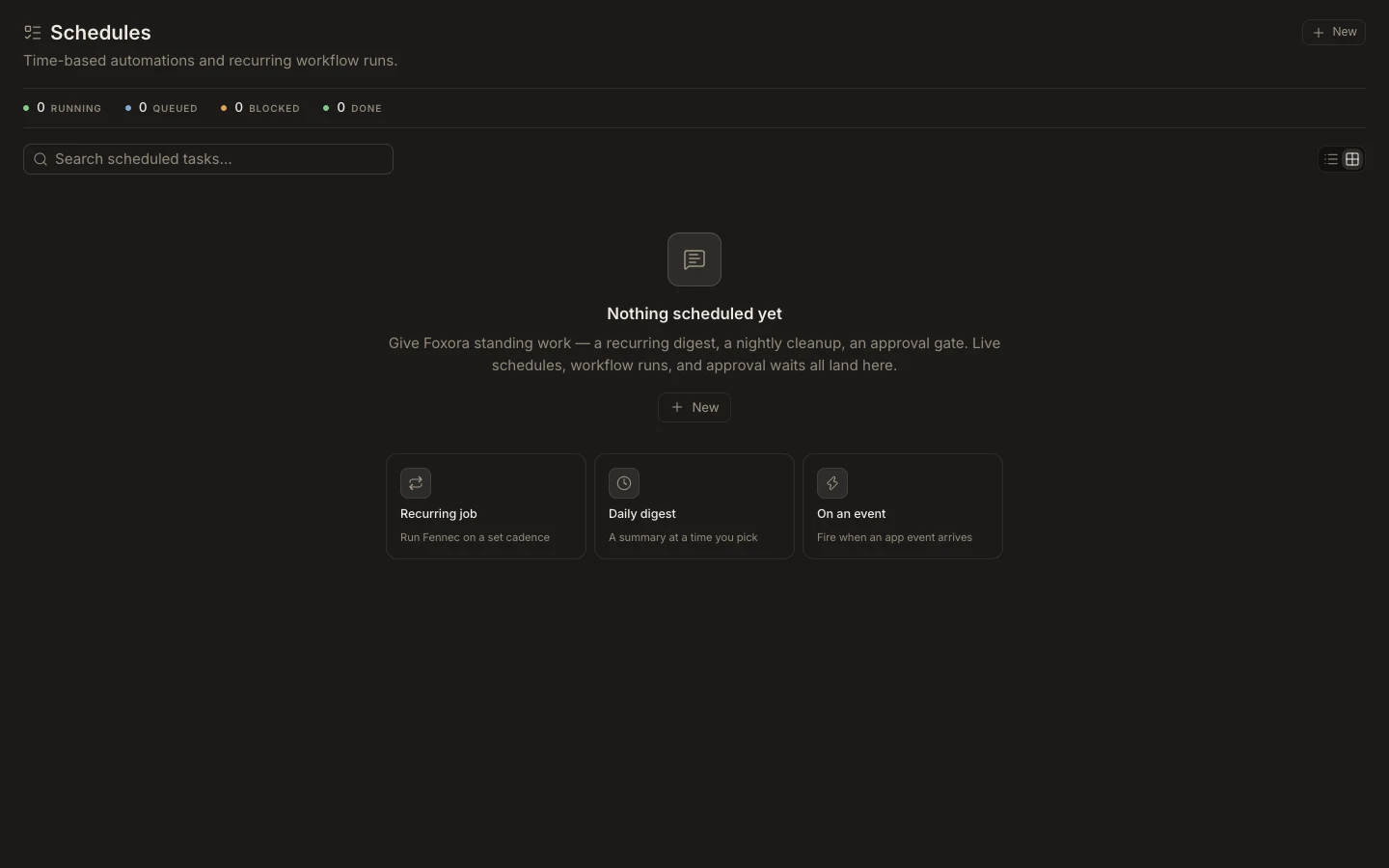
Review scheduled work
- Open
Schedulesfrom the Foxora work area. - Search by title or description and review the assignee, next cadence, priority, and state.
- Use
VieworOpen workflow canvasto inspect the owning workflow. - Check
Runsfor active and historical executions. - Use
Newwhen you need another scheduled outcome.
Expected result
The list reflects live schedules from the automation system and shows running, queued, blocked, or done state. If refresh fails, Studio can label cached entries as last synchronized; verify runtime health before treating the list as current.