
Draft a workflow with Foxora
Foxora can propose a complete editable workflow from the result you describe. Generated steps remain a draft until you review them.
On this page2
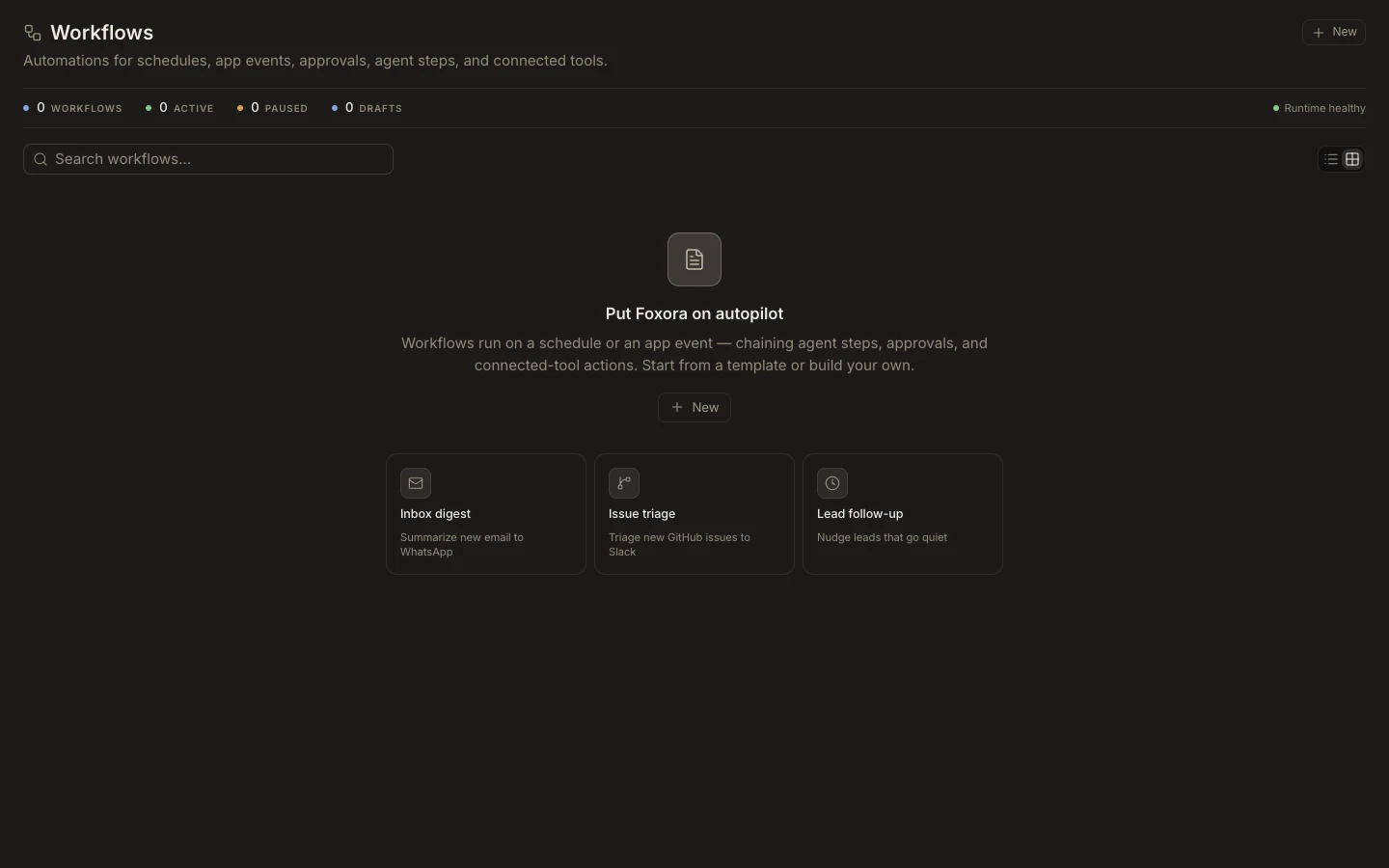
Generate a safe draft
- Open
Workflows, selectNew, and chooseDraft with Foxora. - Describe the trigger, desired output, frequency, connected apps, and actions that require approval.
- Let Foxora compose the draft, then read its review notes and capability requirements.
- Replace placeholders, connect required plugins, and inspect every tool input.
- Save and select
Test runbefore publishing.
Expected result
The generated canvas is editable and contains a concrete trigger and ordered steps. Missing connections or durable inputs block testing or publishing instead of being silently ignored. Use Redraft workflow with AI only when replacing the current draft is intentional.