
Browsing project files
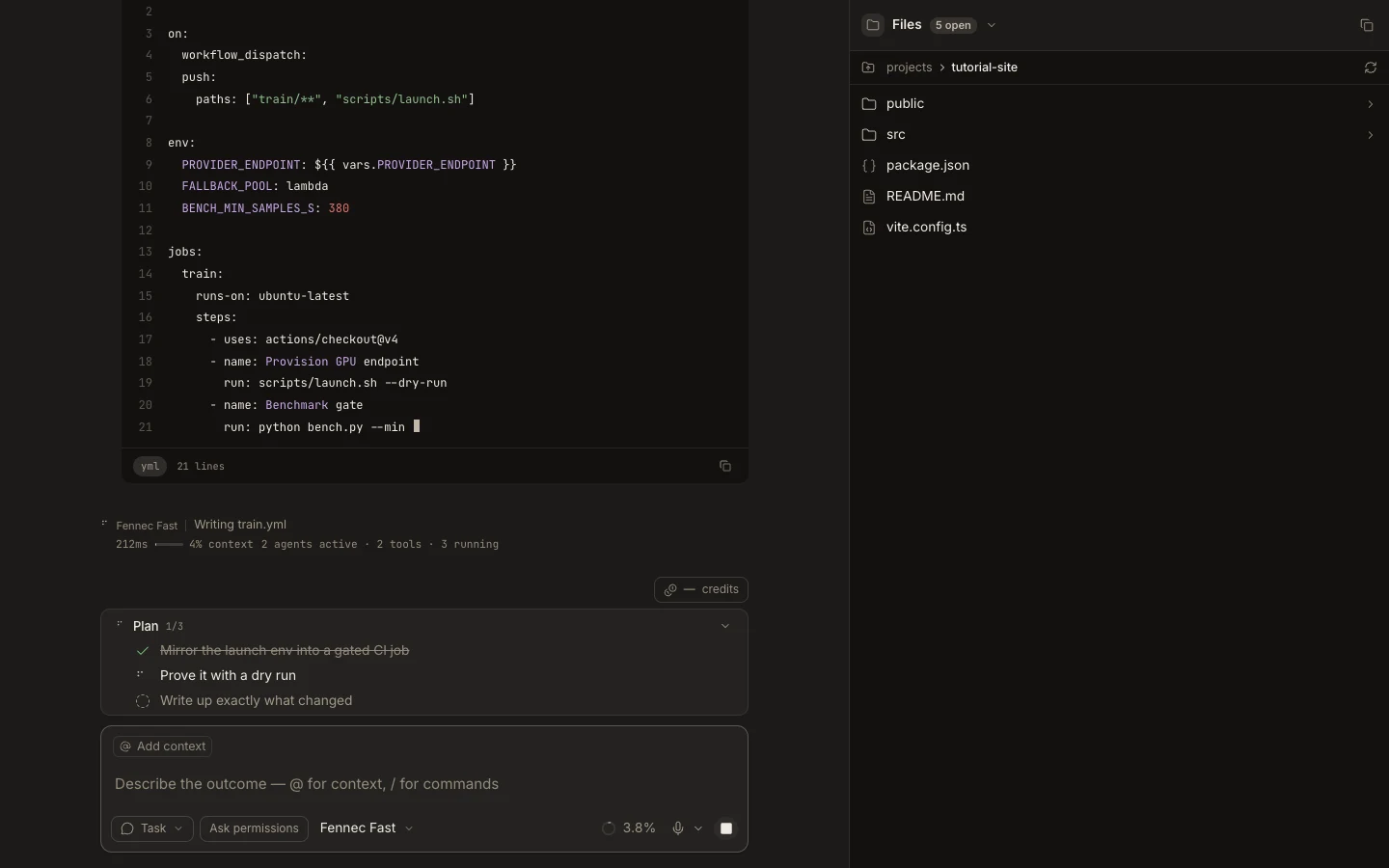
Files shows a lazy project tree with folder structure and Git decorations, then opens selected files in editor tabs.
On this page2
Steps
- Attach the intended project and open Files from the sidebar or Stage.
- Expand folders only as needed and check the root and Git status indicators.
- Select a file to open it in the editor.
- Use the context menu for Copy path, Reveal in Finder or Explorer, rename, download on Web, or other available actions.
Expected result
The selected file opens from the verified project root without changing the task’s attachment.
Note: Delete moves eligible local items to Trash; read the confirmation before using it.