
Creating a custom skill
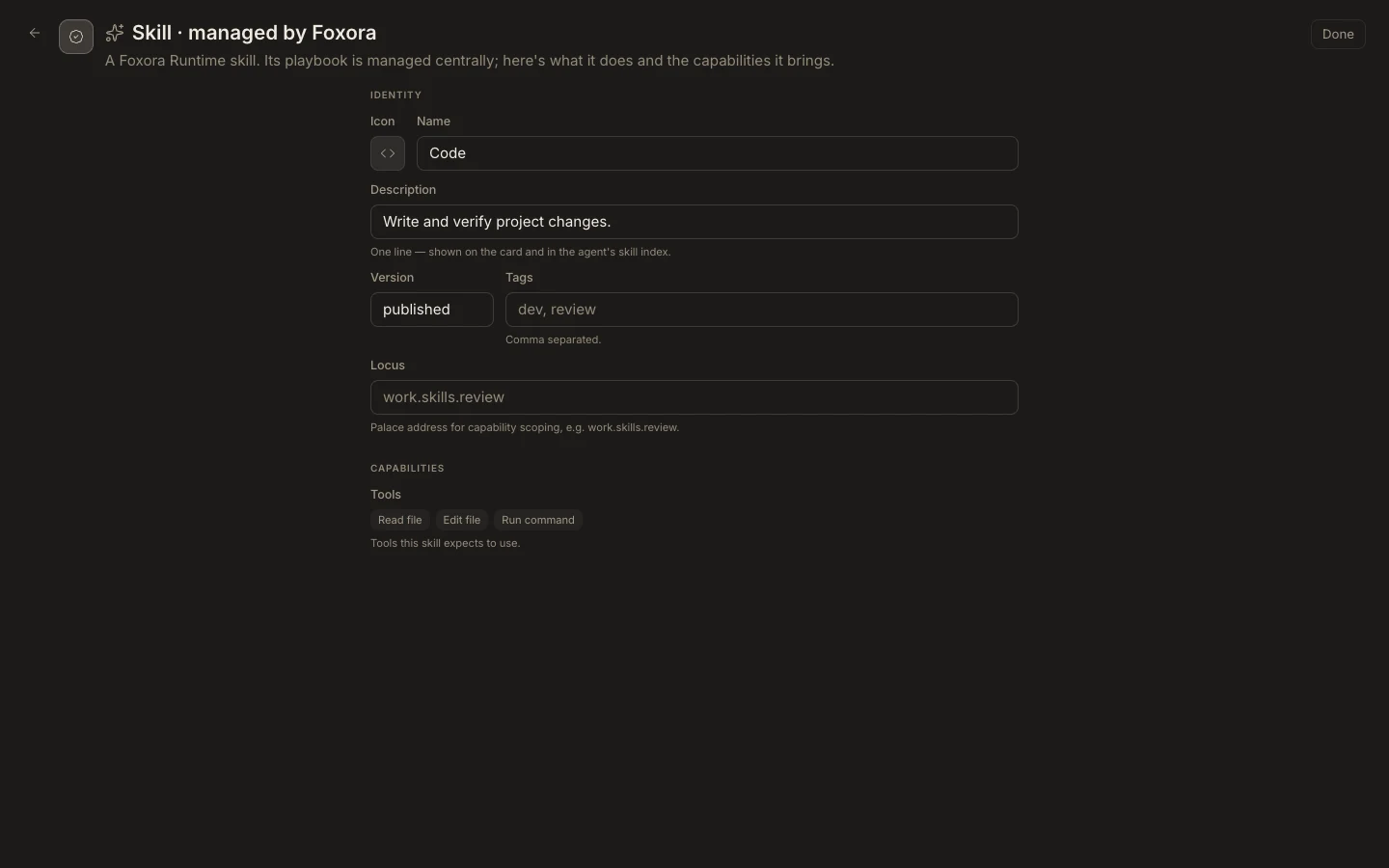
The current Foxora-managed Runtime owns a read-only skill catalog, so Studio does not show a New skill action or an editable skill form.
On this page2
Request a published skill
- Open
Studio→Skillsand search for an existing playbook first. - Write a concise proposal with its trigger description, expected tools, and verifiable outcome.
- Send the proposal to the team or Runtime publisher that owns your catalog.
- After publication, refresh Skills and open the new card.
- Review its managed Identity and Capabilities, then assign it to a test agent.
Expected result
A published skill appears as Skill · managed by Foxora. Studio users cannot create, edit, or delete it directly in the managed catalog.