
Checkpoints and task history
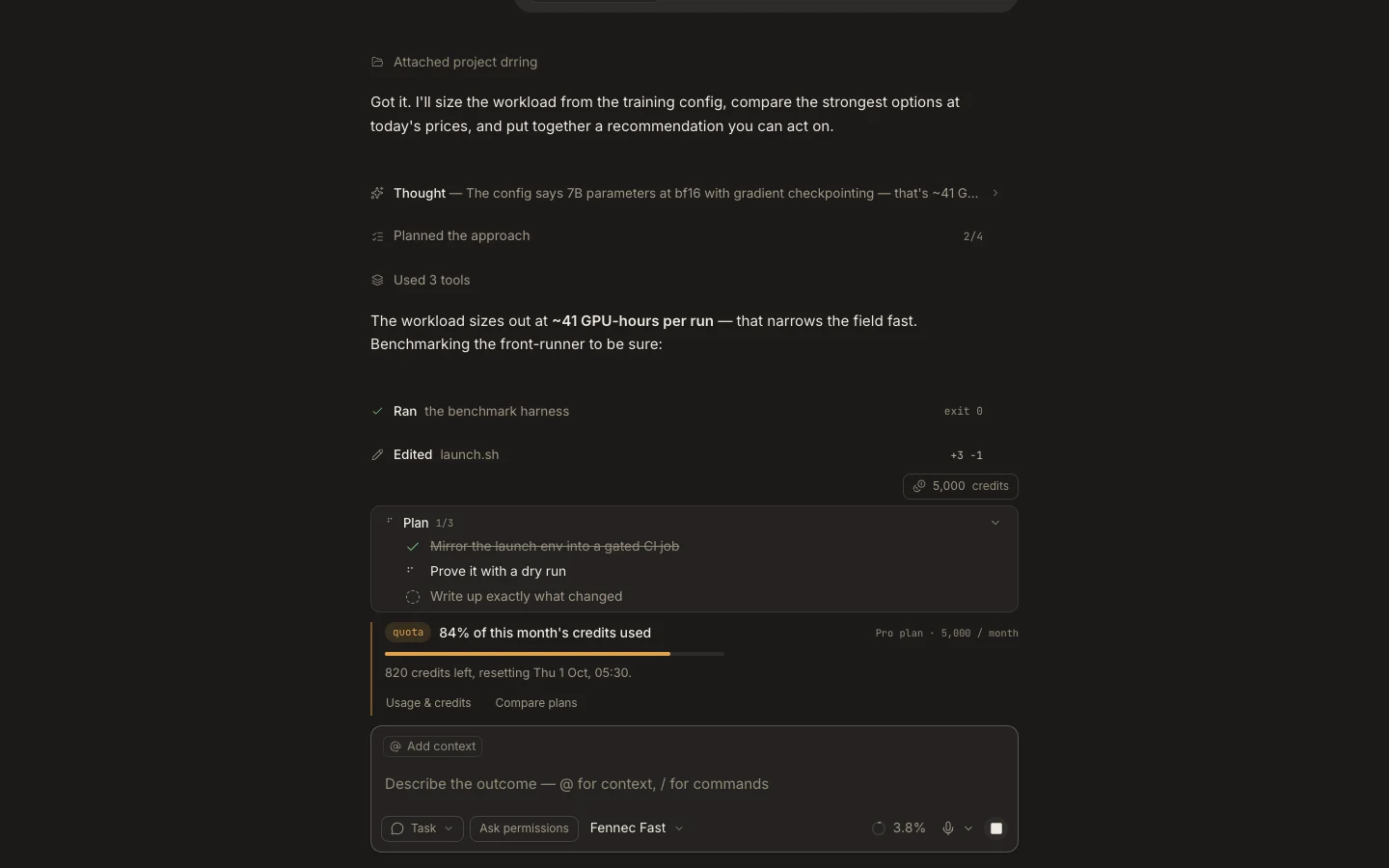
A task transcript is the durable history; eligible local turns can also expose a workspace checkpoint for undoing that turn’s file changes.
On this page2
Steps
- Open the task and locate the user message before the change you want to reverse.
- If Restore checkpoint is present, select it and read the confirmation carefully.
- Confirm the restore, then inspect the affected files and run the project’s checks.
- Use the unchanged transcript to understand what was attempted before the restore.
Expected result
Tracked workspace files return to their pre-goal snapshot while the conversation remains available.
Note: Restore appears only when a real snapshot exists. It does not move Git HEAD, and legacy checkpoint restore is unavailable in strict Cloud V2 tasks.