
Overview
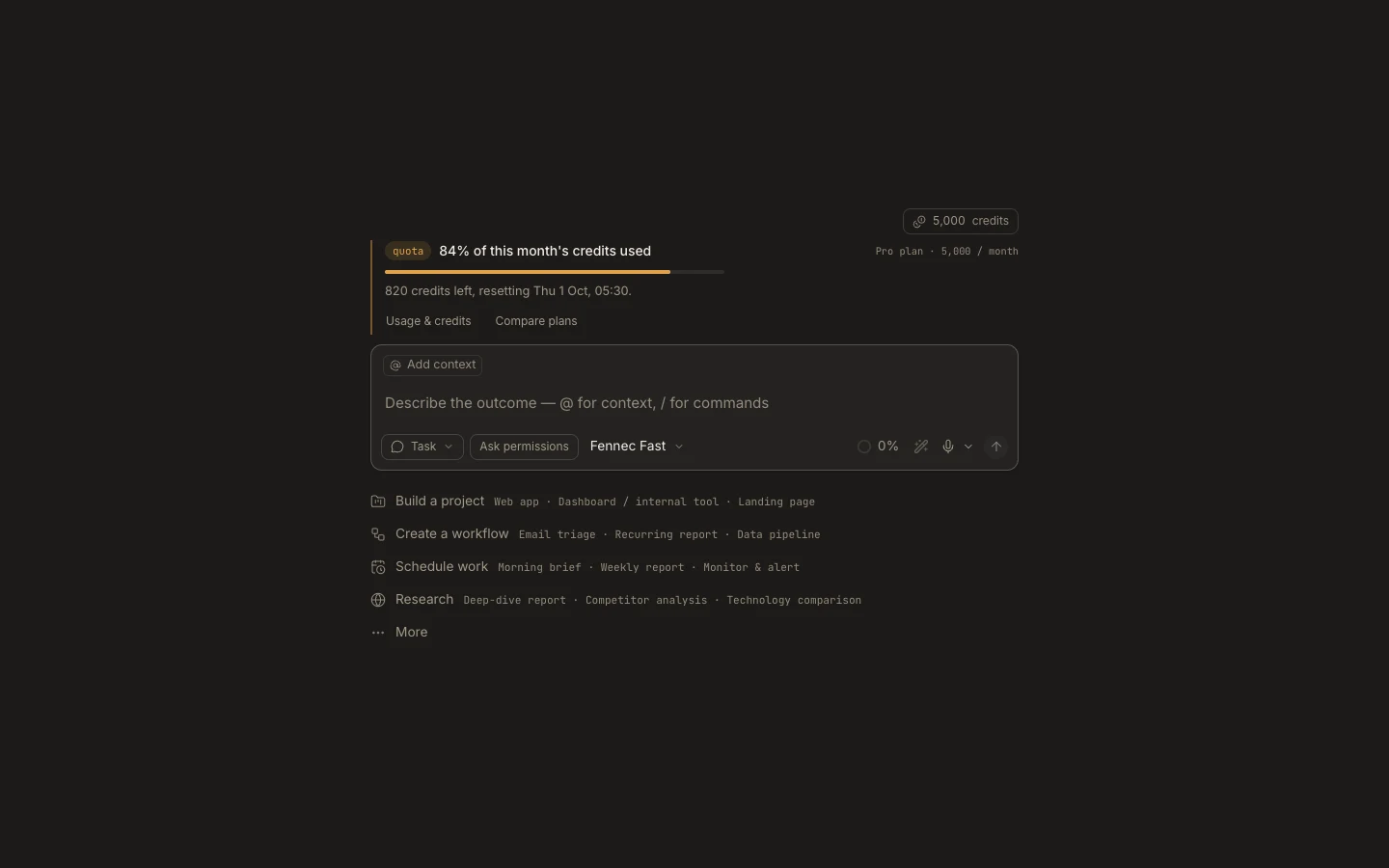
The task composer combines intent, autonomy, Fennec selection, project context, attachments, voice, and the request you send.
On this page2
Steps
- Confirm the Task intent and the attached project or private workspace.
- Choose Ask permissions, Accept edits, Auto mode, or Full Access.
- Keep Fennec Fast or select Pro, Max, or an available custom Fennec setup.
- Add context, describe the outcome, and press Enter to send.
Expected result
The request starts with the selected workspace, authority, Fennec tier, and attachments recorded in the task.
Note: While a run is active, an empty composer can stop it; typed follow-up text can be sent as Steer now.