
Working with generated files
Generated files should be opened from the task or project, reviewed in their real format, and saved or exported only after verification.
On this page2
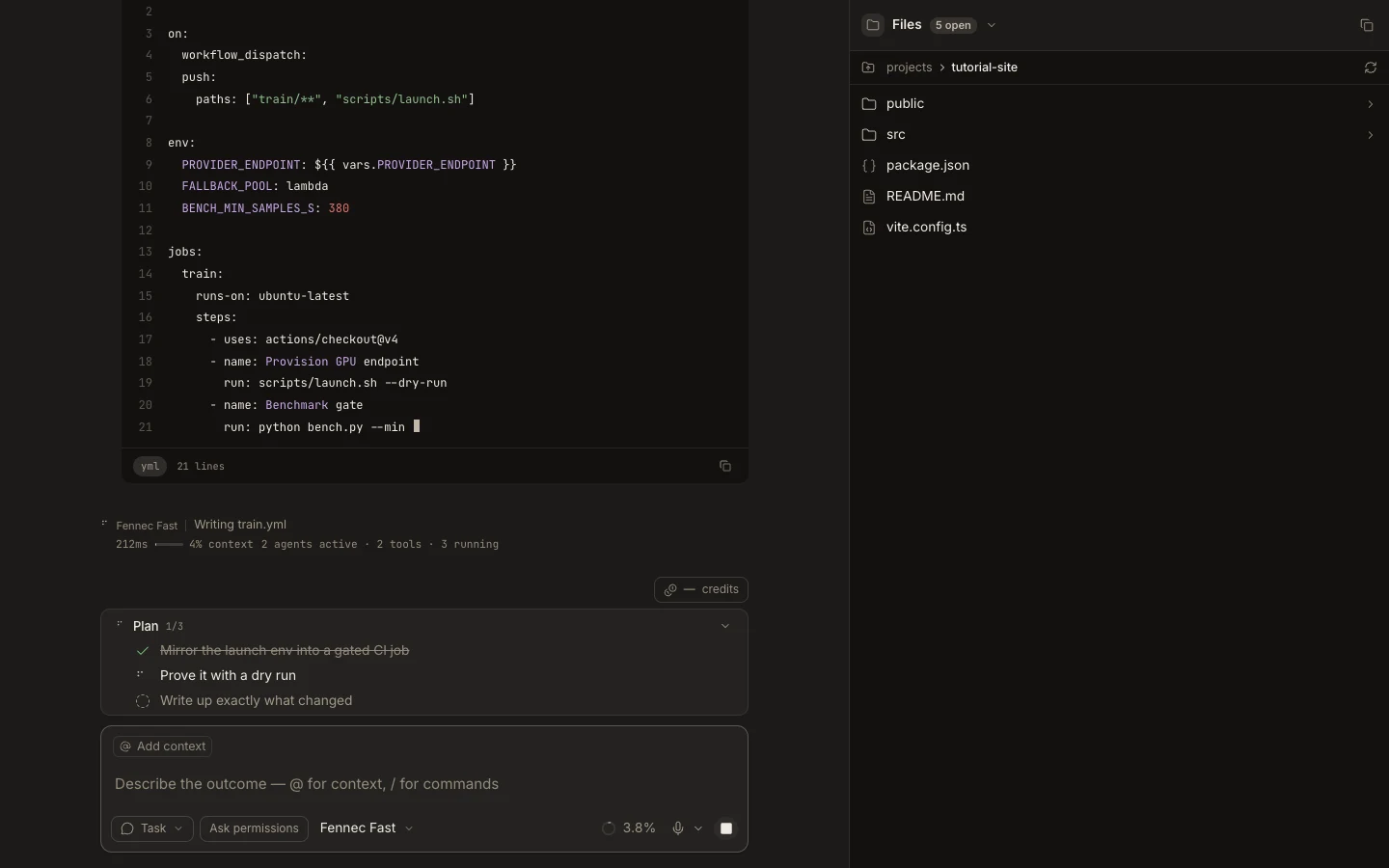
Steps
- Open the generated-file link from the transcript or locate it in Files.
- Inspect source and Preview views when the artifact supports both.
- Confirm its name, destination, contents, and any dependent project change.
- Save it in the project or download it, then run the relevant viewer, build, or test.
Expected result
The accepted file exists at the intended destination and its result matches the task’s requested outcome.
Note: A transient Stage preview does not by itself confirm that the file was persisted.